


VNC (Virtual Network Computing) access is an emergency remote management tool. Unlike traditional connections such as SSH or Remote Desktop (RDP), VNC operates externally to the operating system; it connects directly to your server's "virtual screen or monitor." This means you will be able to see what is happening on your VPS even if the system is booting up, frozen, or if a network error has blocked traditional connections.
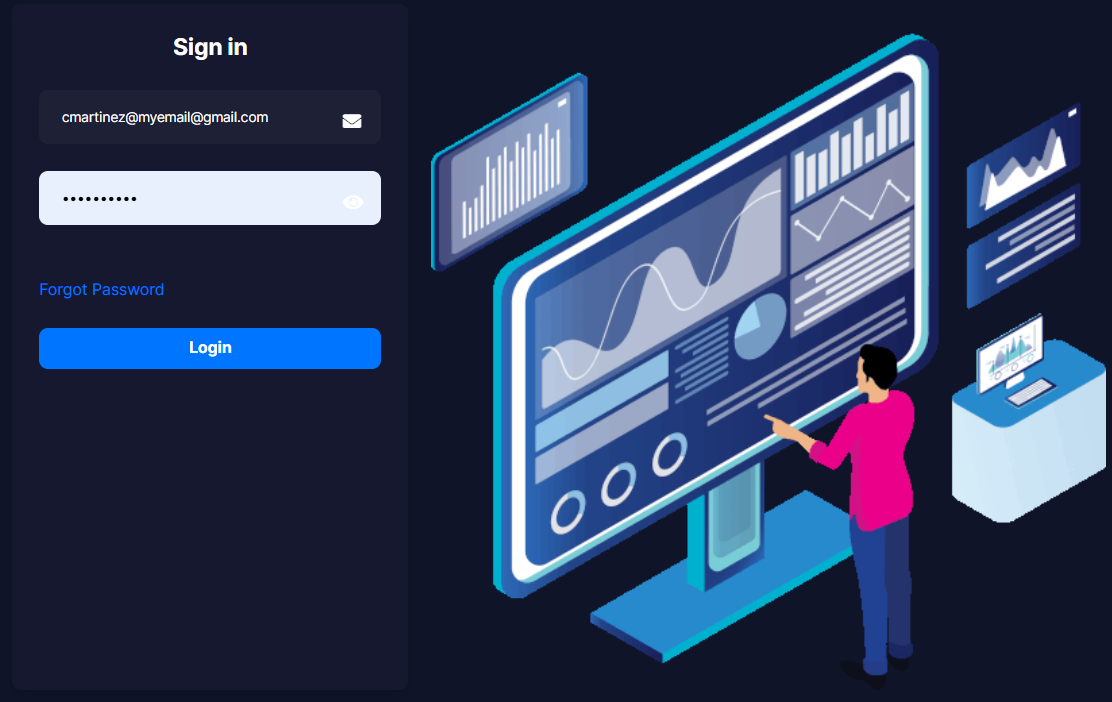
1. Log in to your main control panel using your account credentials.
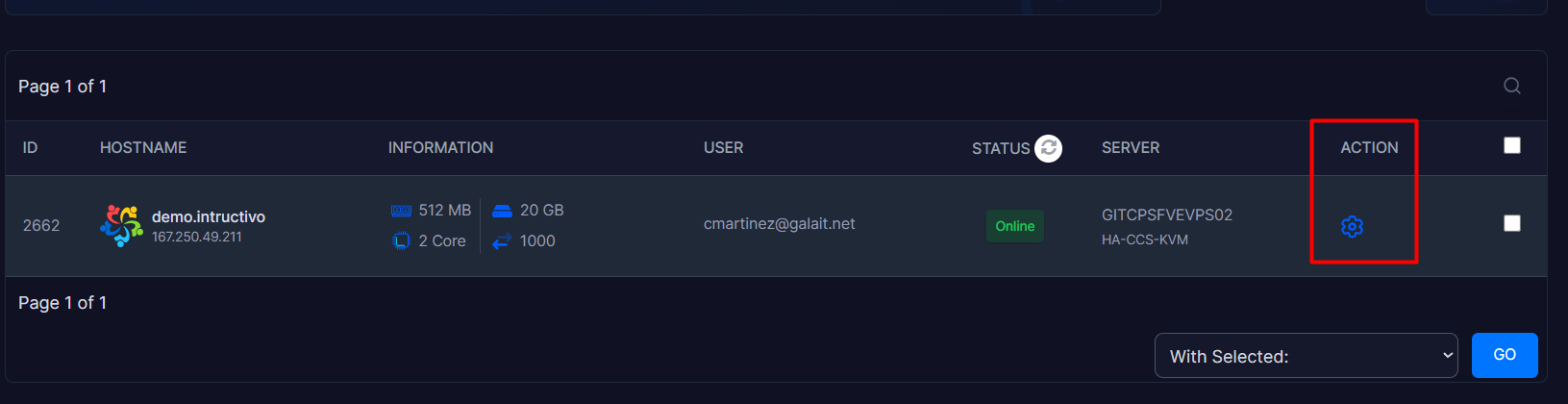
2. Locate your server in the list, go to the Action module on the far right, and click on the gear icon.
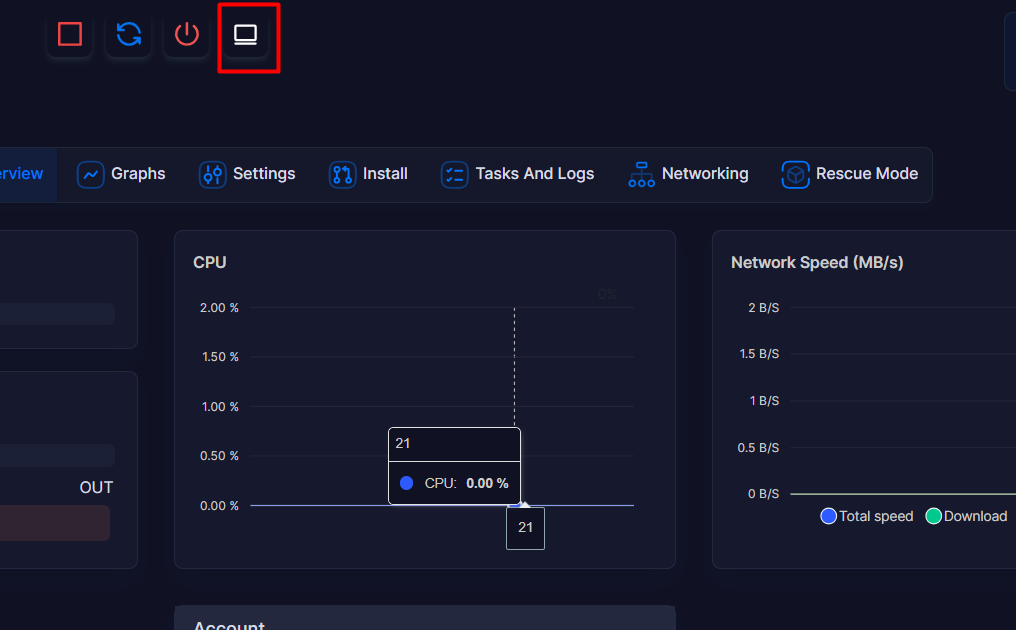
3. At the top, you will see a white button called "Launch VNC" with a computer icon; click on it.
4. A new pop-up window will immediately open in your web browser.
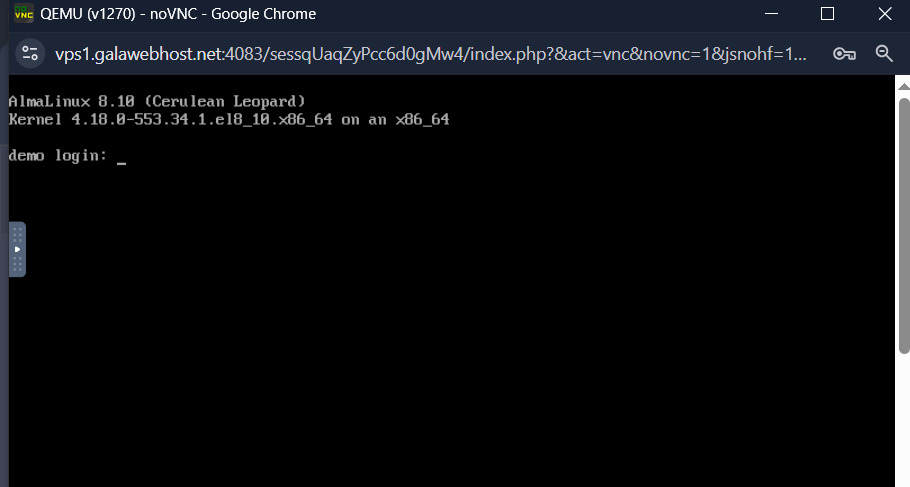
5. This interactive window will display your server's screen in real time. From here, you can enter your username (root or Administrator) and your internal password to operate the equipment
