


Modifying your user preferences is a quick process that allows you to tailor the dashboard to your needs. Follow these steps to do so:
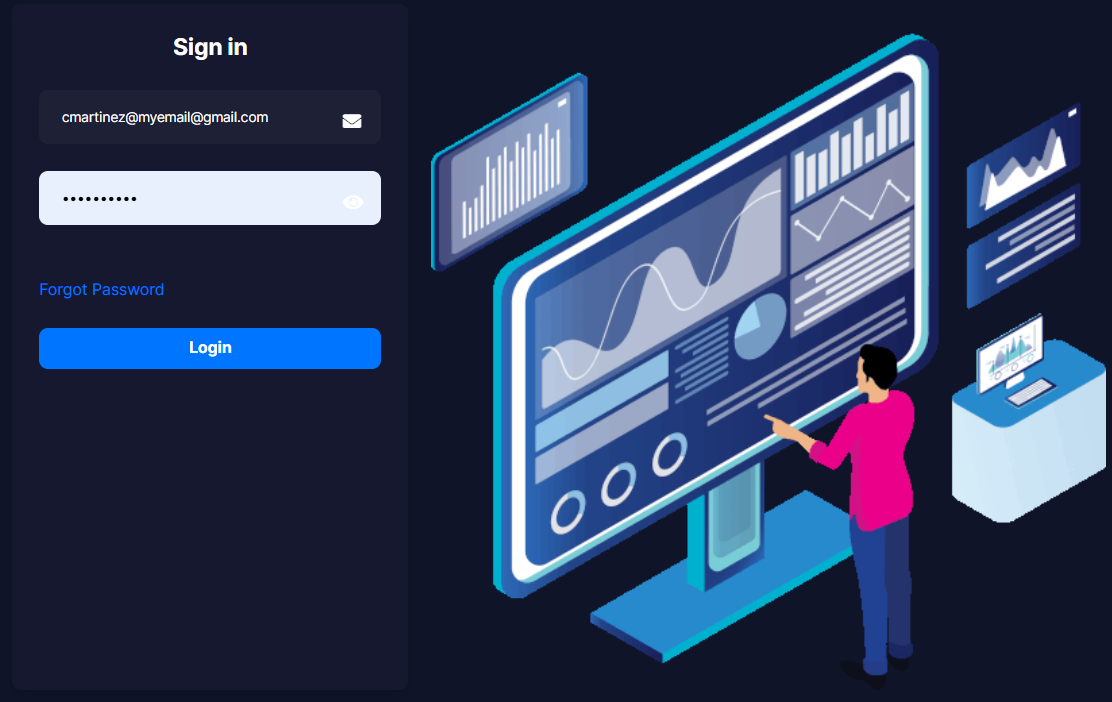
1. Log into the administration Client Portal with your assigned credentials.
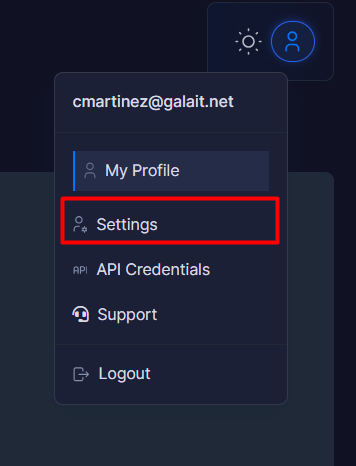
2. Locate your profile icon in the upper right corner of the screen and click on it.

3. In the dropdown menu that appears, select the Settings option.
4. Within the section displayed, you can update the following essential parameters:
4.1. Language: Select your preferred language for the interface.
4.2. Theme / Skins: Change the visual theme of the dashboard.
4.3. Timezone: Adjust the platform time according to your current location.

5. To finish, click the Edit Settings button. The system will apply and save your changes immediately
