


Beyond visual organization, pruning unused packages is an essential practice for your server's health, enabling Agile Administration, Resource Optimization, and Version Control.
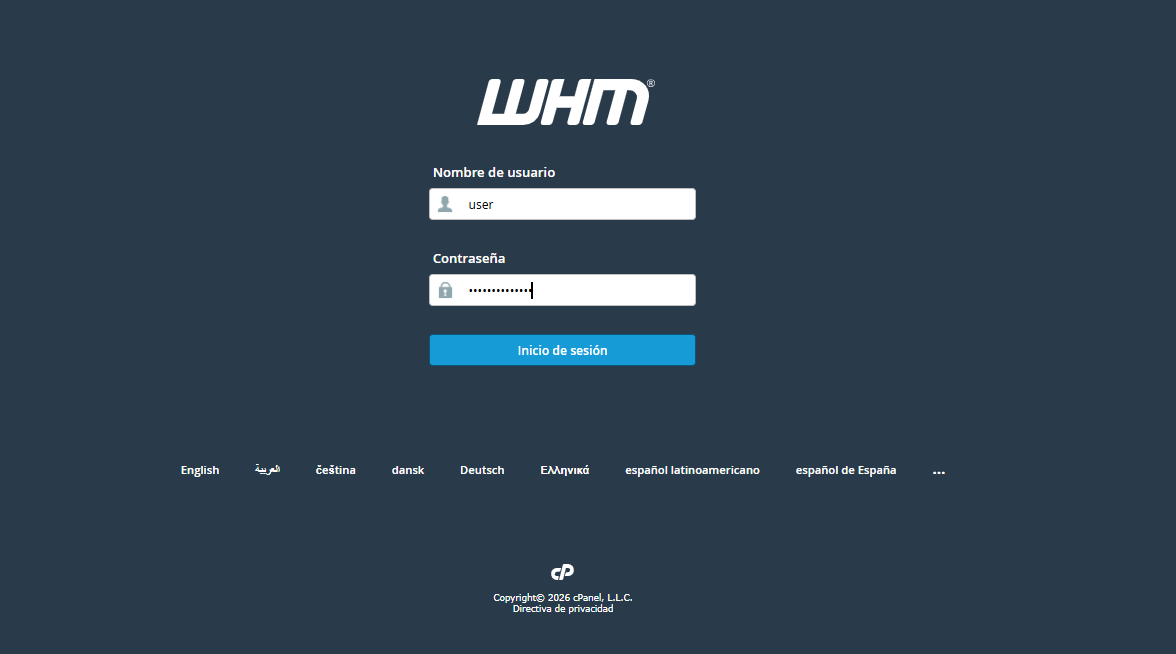
1. Log in to your WHM administration panel.
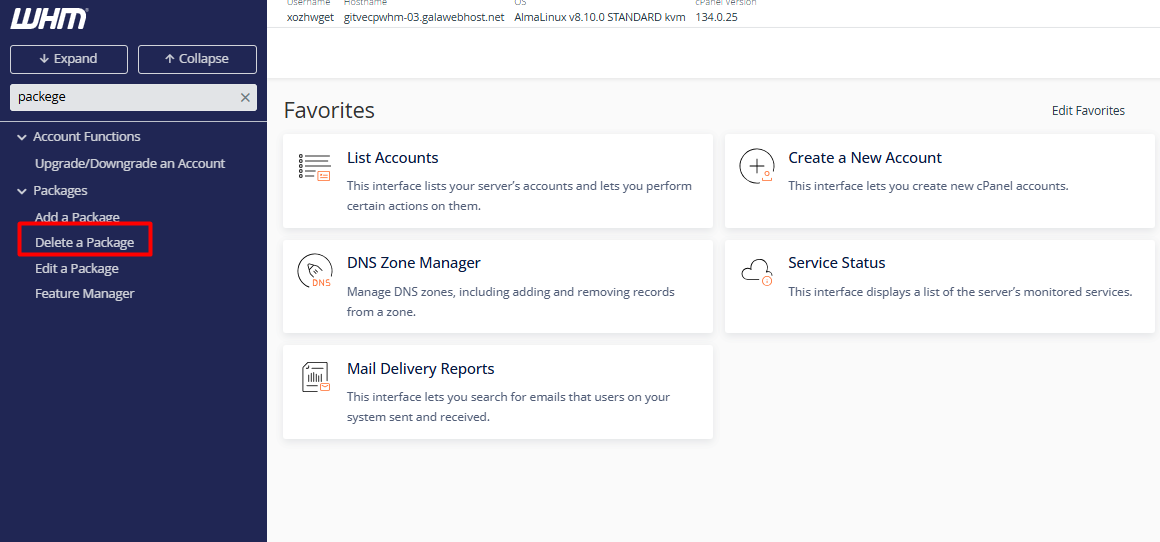
2. Use the sidebar search or navigate to Packages > Delete a Package.
3. Identify and select the package you wish to remove from the list.
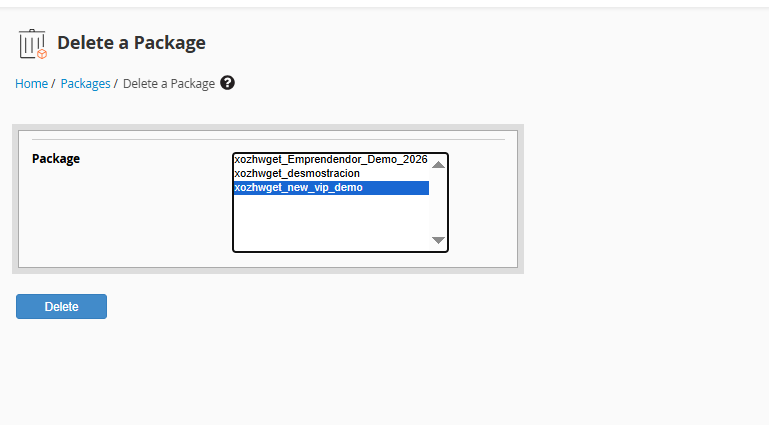
4. Click the Delete button to execute the action.
• Service Continuity: Deleting a package does not affect the hosting accounts currently using it; they will retain their existing limits until a new profile is manually assigned.
• New Sign-ups: The package will immediately become unavailable for creating new accounts.
• Dependencies: If the package is linked to critical system processes, the system may require you to reassign them before proceeding.
