


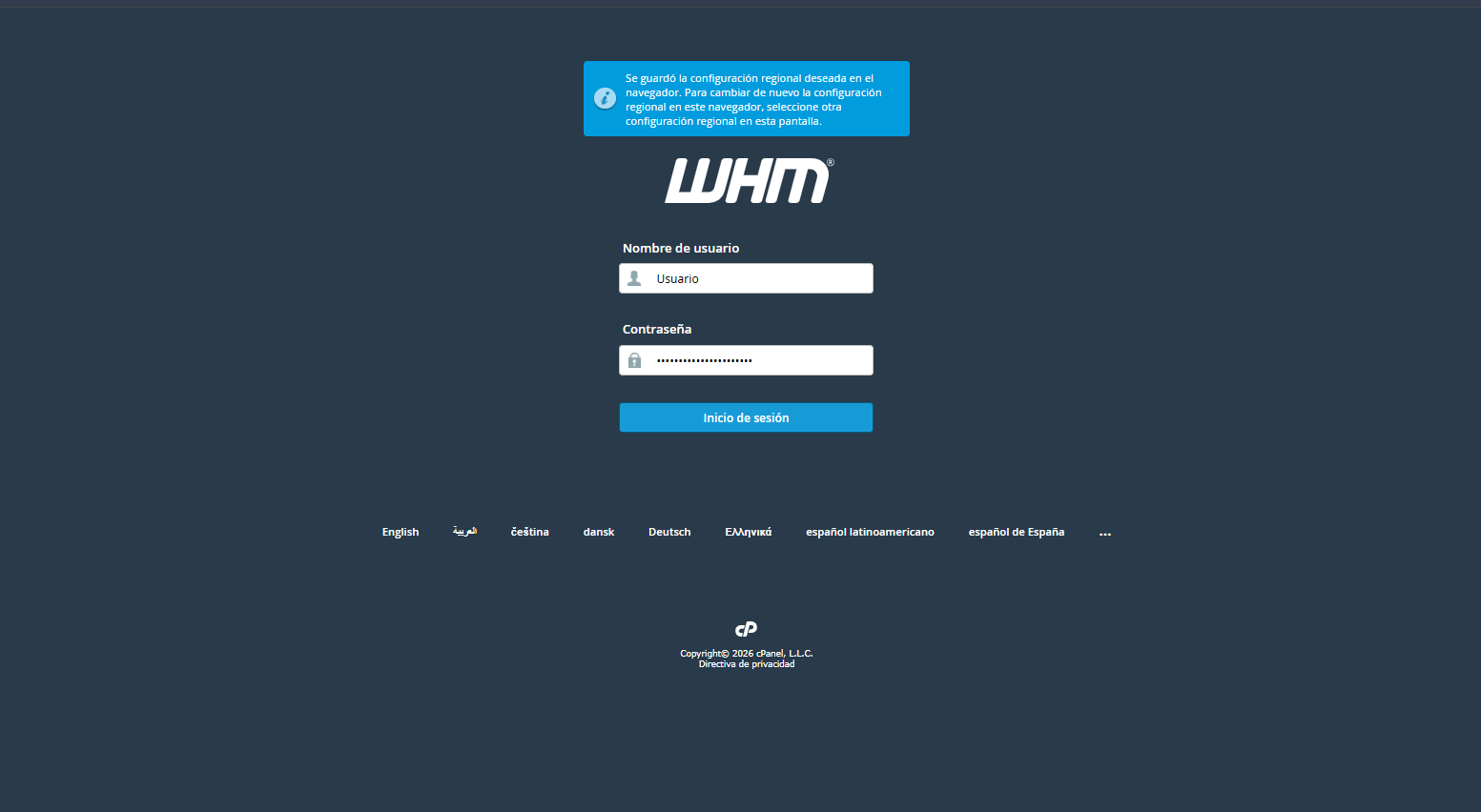
1. Inicie sesión en su consola administrativa de WHM.
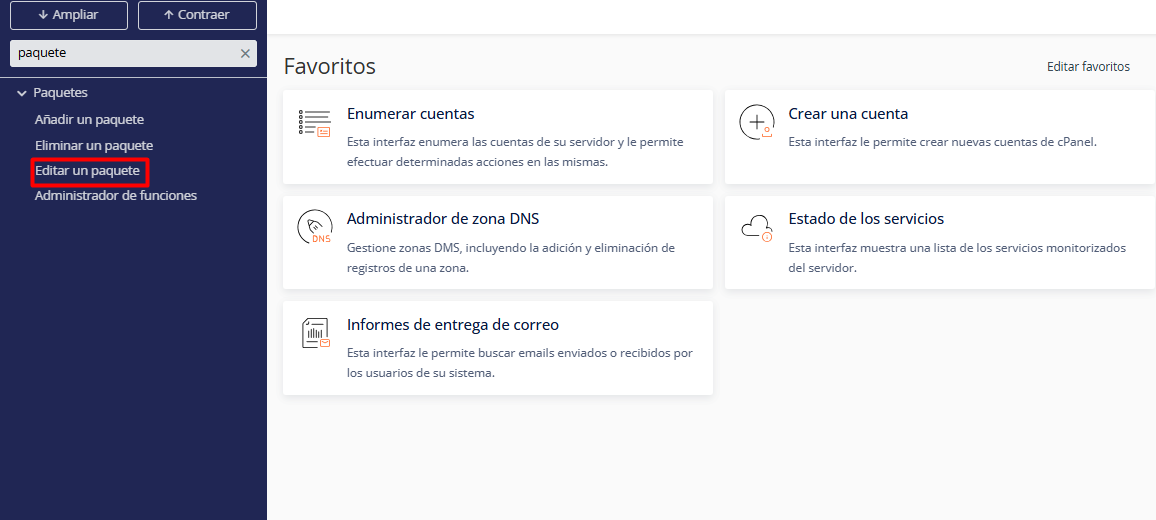
2. En el menú lateral, diríjase a la sección Paquetes o utilice el buscador rápido escribiendo Editar un paquete.
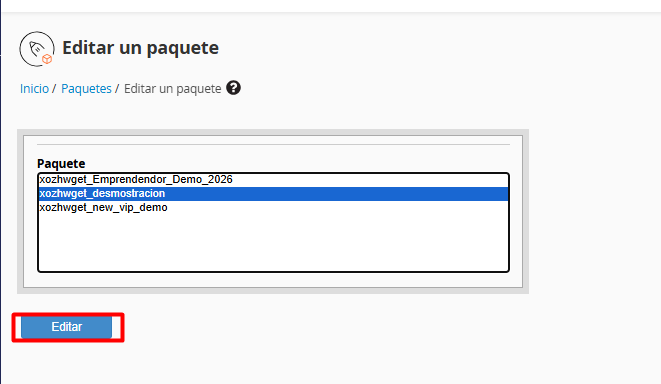
3. Elija el paquete que desea actualizar de la lista desplegable y haga clic en el botón Edit.
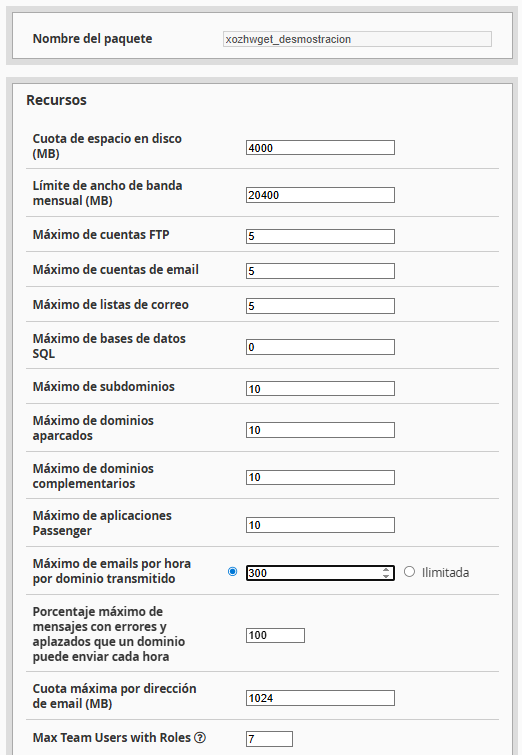
4. Ajuste los parámetros según sus necesidades actuales:
4.1. Cuota de disco (MB): Espacio total de almacenamiento.
4.2. Ancho de banda mensual (MB): Límite de transferencia de datos.
4.3. Cuentas FTP/Email: Cantidad máxima de buzones y accesos FTP.
4.4. Lista de funciones: Herramientas y opciones visibles para el usuario final en cPanel.
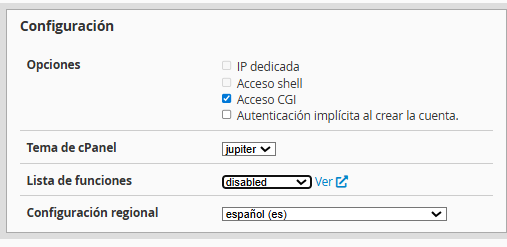
Deslice hacia la parte inferior y presione Guardar para aplicar las nuevas configuraciones.
Notas:
• Sincronización inmediata: Al guardar, todas las cuentas de cPanel vinculadas a este paquete adoptarán los nuevos límites de forma automática.
• Sobre el nombre del paquete: Por seguridad del sistema, no es posible renombrar paquetes. Si requiere una nueva nomenclatura, deberá crear un paquete nuevo y migrar las cuentas correspondientes.
