


To manage and view the cPanel accounts hosted on your server, the WHM (WebHost Manager) panel provides a centralized interface. Follow this procedure to get a detailed breakdown:
- Log in to your WHM administrative panel using your Reseller credentials.
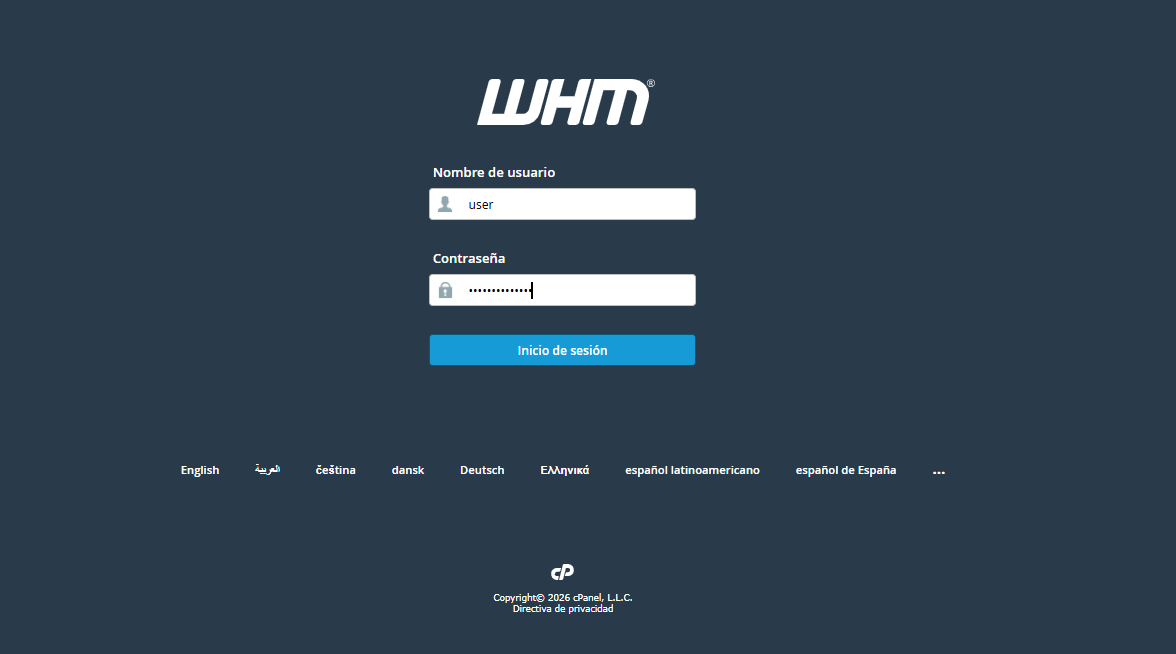
2. Go to the search box located at the top of the left side menu.
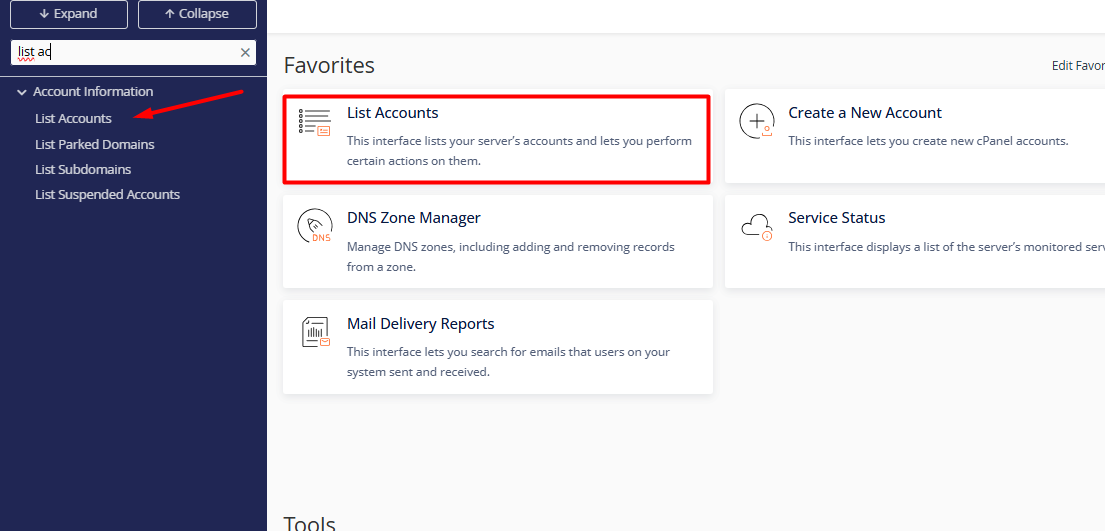
3. Type "List Accounts" in the side panel. (Note: On the Reseller panel, this usually appears directly on the home screen under the "Favorites" section after logging in.)
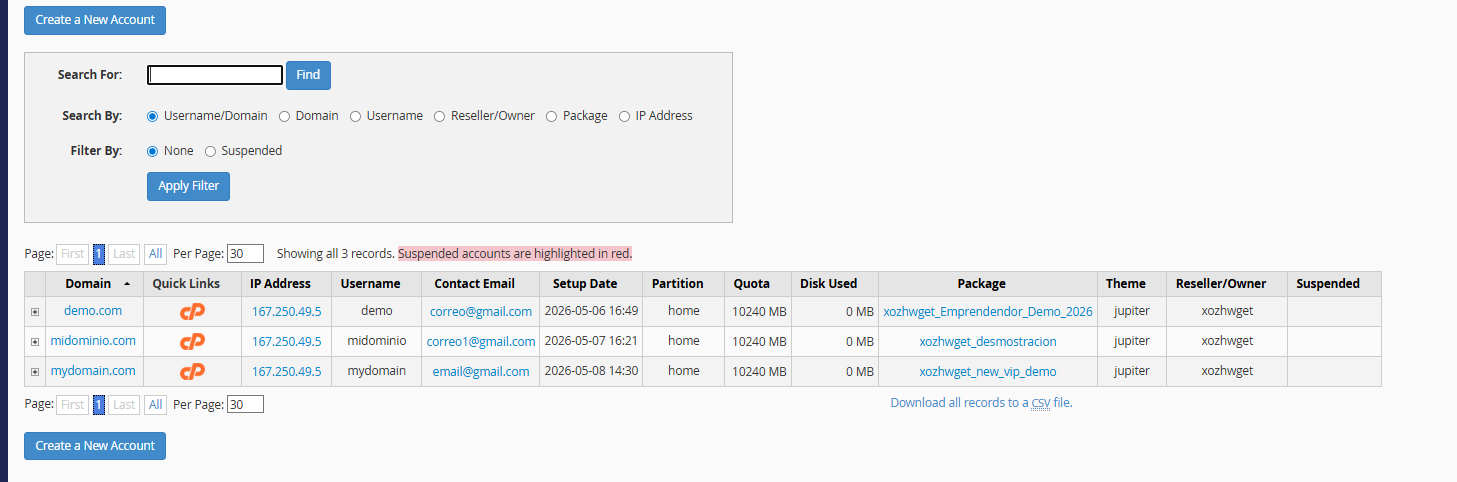
4. The system will display an interactive table with critical information for each account, including the domain name, username, contact email, assigned package, and disk quota usage.
• Email Update: Click directly on the email address in the table to modify the administrative contact.
• Password Management: Click the "+" icon to the left of the domain to instantly assign a new access password.
• Suspension Control: Use the dropdown menu (via the "+" icon) to immediately suspend or reactivate accounts in case of issues or non-payment.
