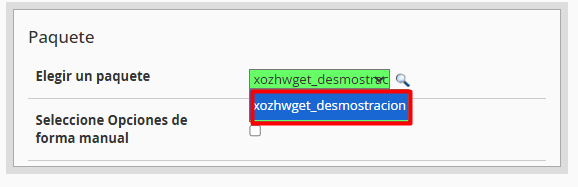
• Mediante Paquete Predefinido: Utilice un plan de hosting preconfigurado para agilizar el proceso y estandarizar los recursos del cliente.
• Configuración Manual: Asigne recursos específicos y personalizados a la cuenta activando la casilla "Select Options Manually" (Seleccionar opciones manualmente).
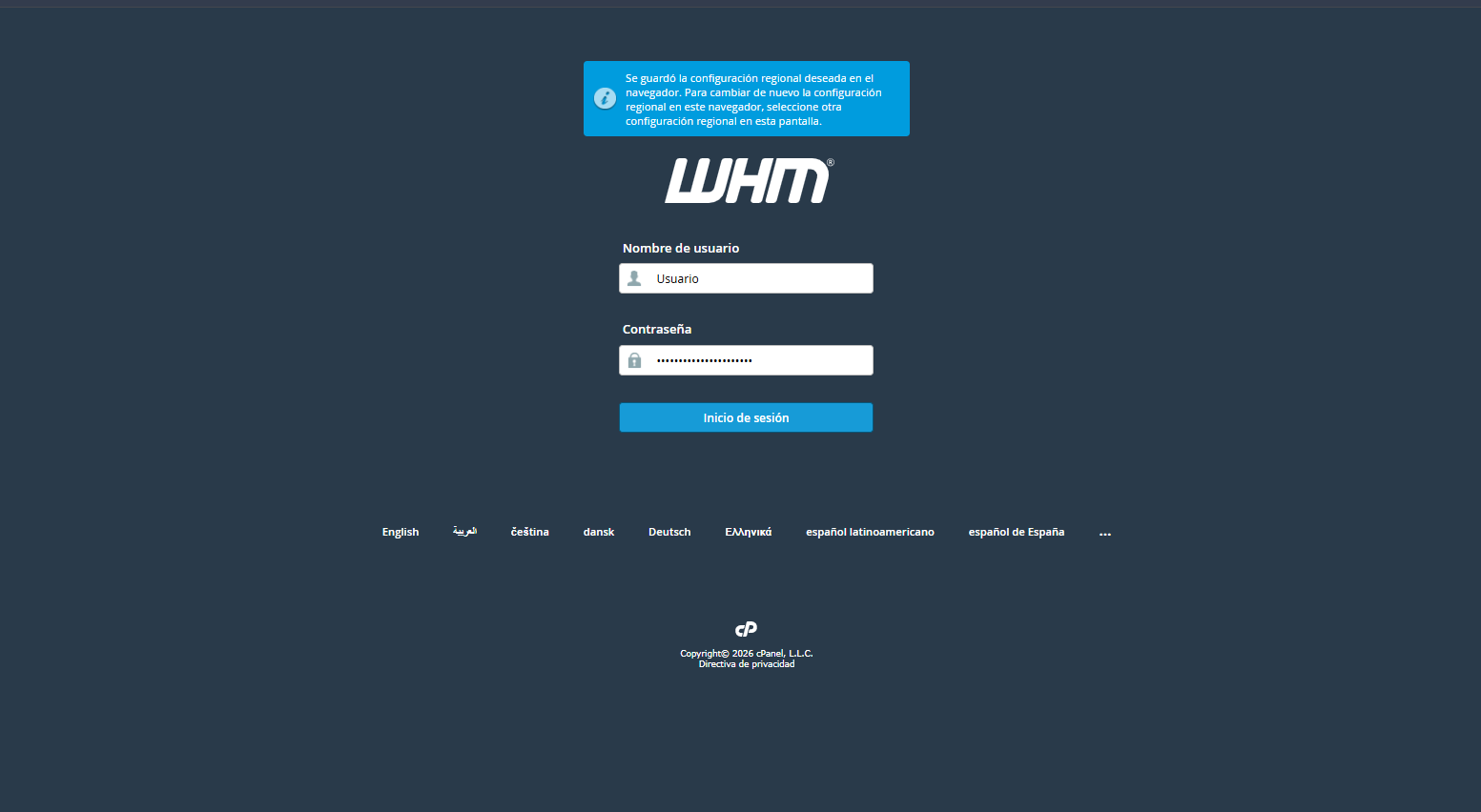
1. Acceda a su interfaz de WHM ingresando sus credenciales de administrador o revendedor.
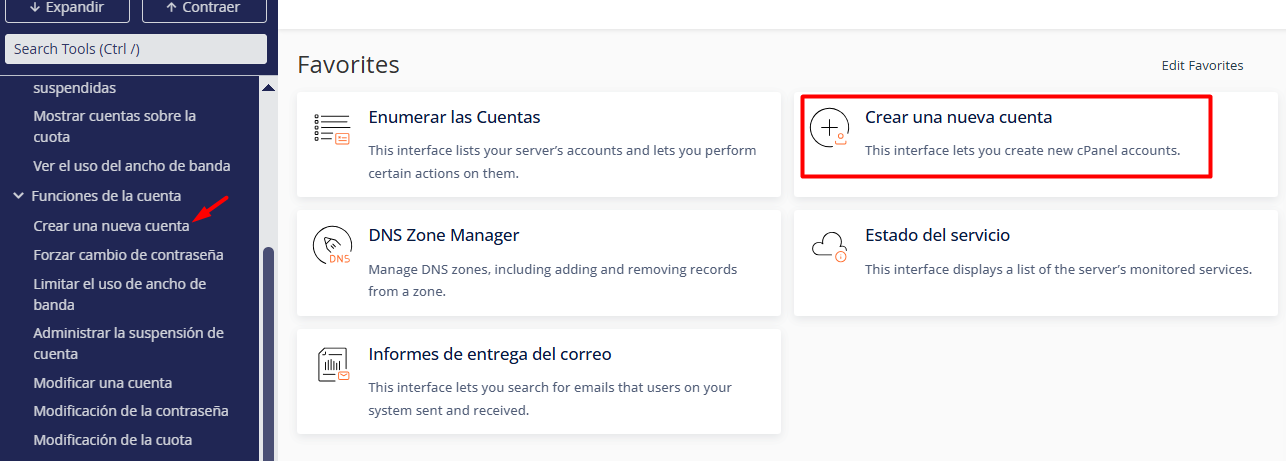
2. Optimice su búsqueda utilizando el panel lateral izquierdo: escriba "Crear una nueva cuenta" ( Create a New Account ). También puede ubicar esta opción dentro del módulo Account Functions (Funciones de la cuenta).
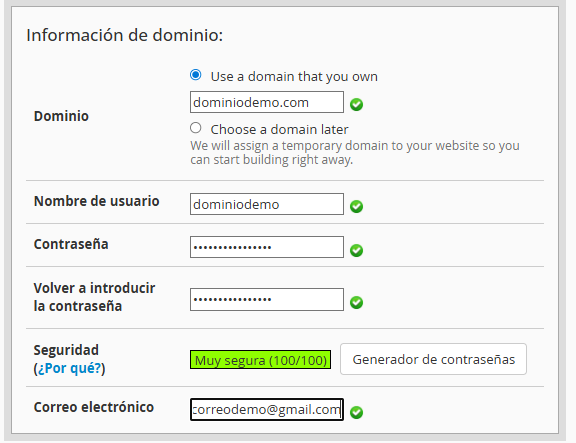
3. Registro de Parámetros del Dominio: Complete el formulario con los datos esenciales.
3.1. Dominio: Ingrese el nombre principal (ej. empresa.com), omitiendo el prefijo "www".
3.2. Usuario y Seguridad: El sistema sugerirá un nombre de usuario automáticamente; defina una contraseña robusta o emplee el generador integrado para mayor protección.
3.3. Contacto: Vincule un correo electrónico para recibir alertas críticas y notificaciones del sistema.
4. Asignación de Recursos y Preferencias
4.1. Selección de Paquete: Elija un plan predefinido que establezca los límites de cuota de disco, transferencia (ancho de banda) y bases de datos.
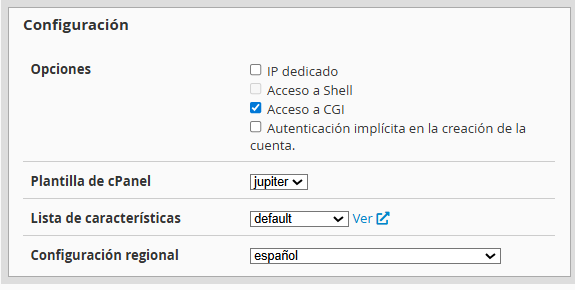
4.2. Configuración: Configure el idioma del cPanel para el usuario final y ajuste los parámetros de DNS según los requerimientos técnicos.