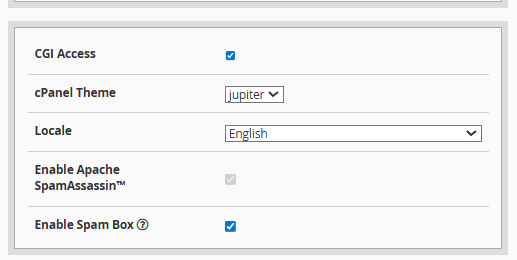
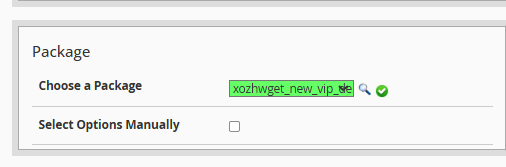
• Via Predefined Package: Use a pre-configured hosting plan to streamline the process and standardize client resources.
• Manual Configuration: Assign specific, customized resources to the account by checking the "Select Options Manually" box.
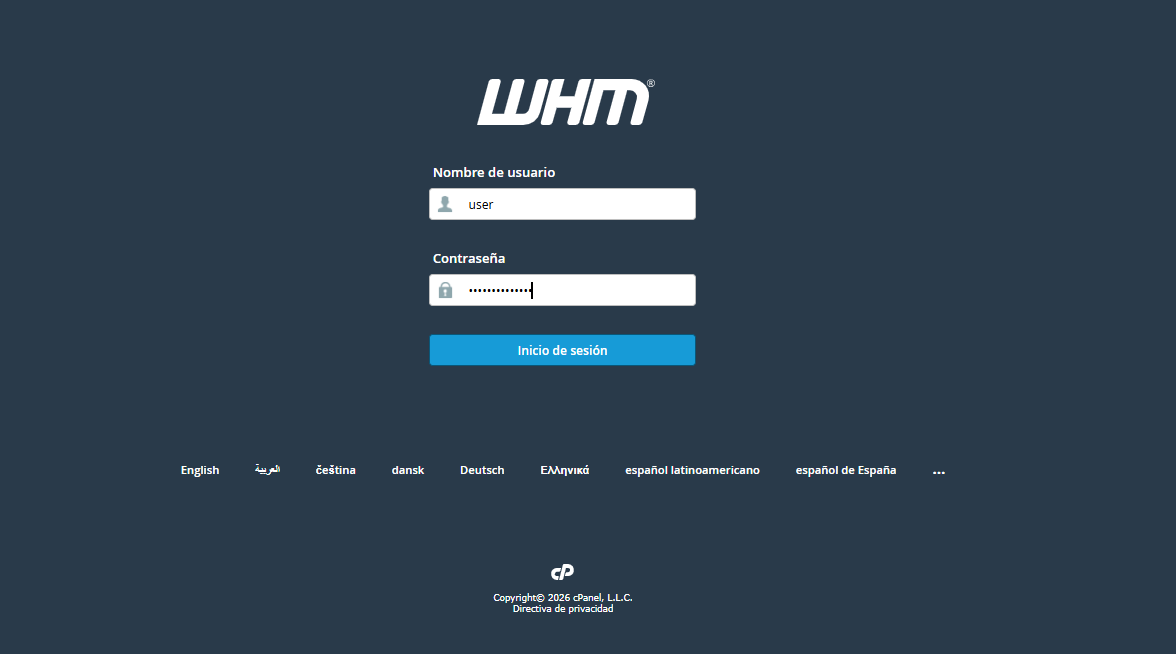
Access your WHM interface by entering your administrator or reseller credentials.
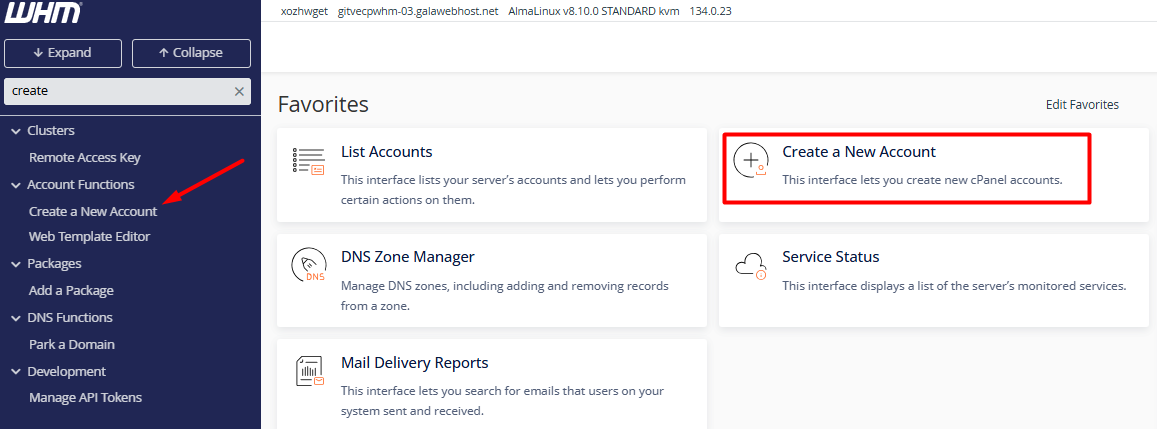
2. Optimize your search using the left sidebar: type "Create a New Account." You can also find this option within the Account Functions module.\
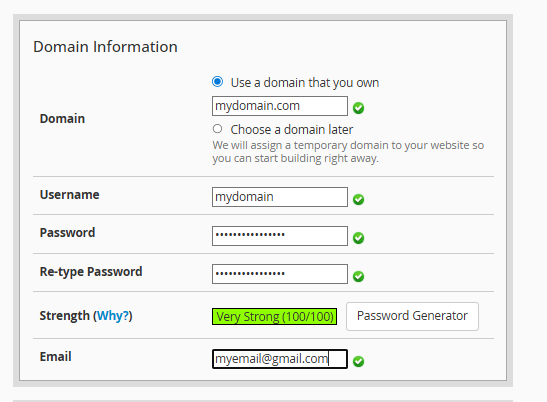
3. Domain Parameters Registration: Complete the form with the essential data.
3.1. Domain: Enter the primary name (example, company.com), omitting the "www" prefix.
3.2. Username and Security: The system will suggest a username automatically; define a strong password or use the built-in generator for better protection.
3.3. Contact: Link an email address to receive critical alerts and system notifications.
4. Resource Allocation and Preferences
4.1. Package Selection: Choose a predefined plan that sets limits for disk quota, bandwidth, and databases.
4.2. Settings: Configure the cPanel language for the end user and adjust DNS parameters according to technical requirements.