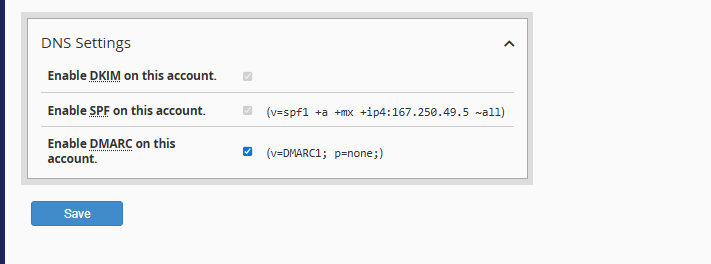
The management and editing of cPanel accounts is centralized in the "Modify an Account" tool within your WHM panel. This feature grants you full control over technical configurations and resource limits for your users.
Access your WHM instance: Log in using your Reseller administrator credentials through your standard administrative URL.
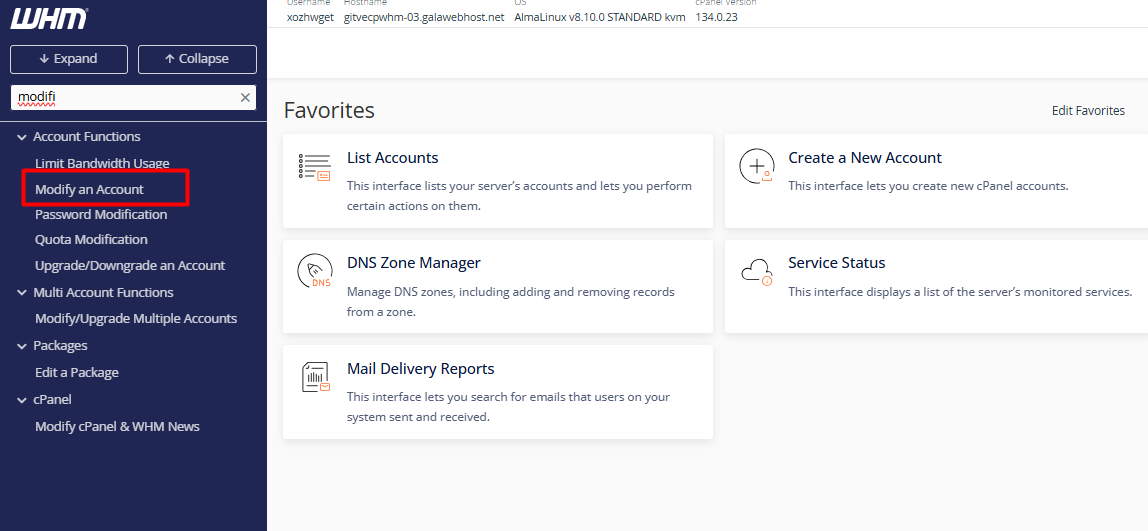
2. Locate the tool: In the search bar on the left sidebar, type "Modify an Account" and select it. (Note: You can also access this via "List Accounts" by expanding the domain details with the [+] icon and clicking the "Modify Account" button.)
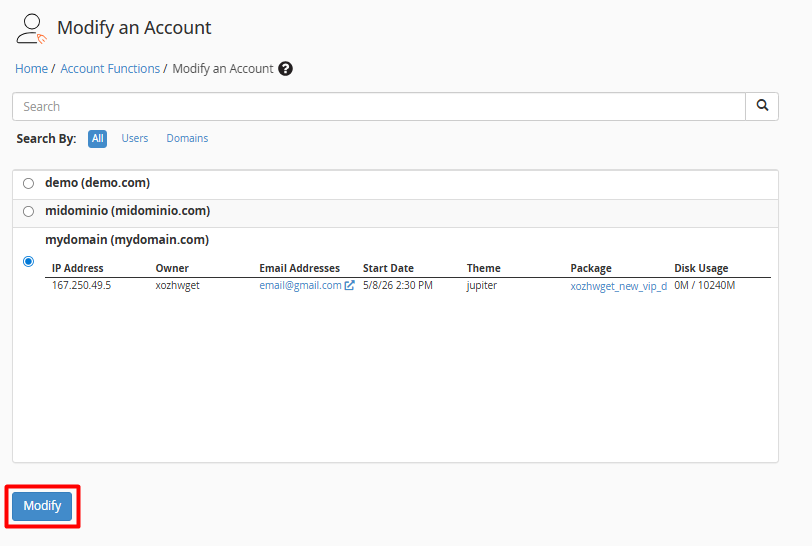
3. Select the account: Identify the specific domain or user that requires adjustments and click the "Modify" button.
4. Parameter Configuration: Within the editing interface, you can adjust the following categories:
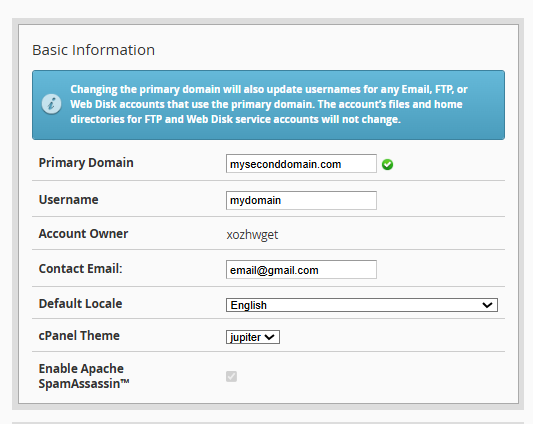
4.1. Identity Information: Update the primary domain, username, or contact email address.
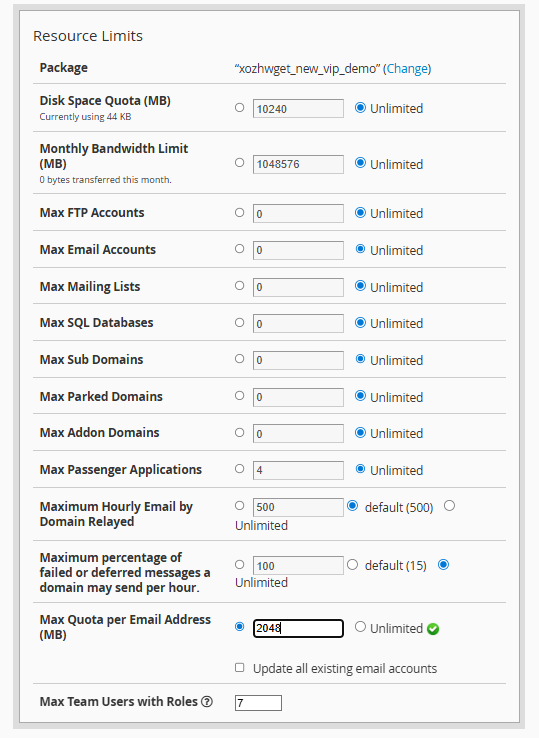
4.2. Quota Management: Precisely adjust disk space, monthly bandwidth, and the number of allowed databases or FTP accounts.
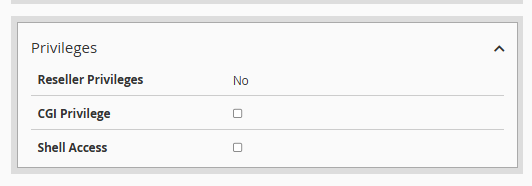
4.3. Security Permissions: Manage Shell access (SSH) and CGI privileges.
4.4. DNS Records: Perform advanced configurations for DKIM signatures or SPF records.