How do I modify a cPanel account in my Reseller panel?


The management and editing of cPanel accounts is centralized in the "Modify an Account" tool within your WHM panel. This feature grants you full control over technical configurations and resource limits for your users.


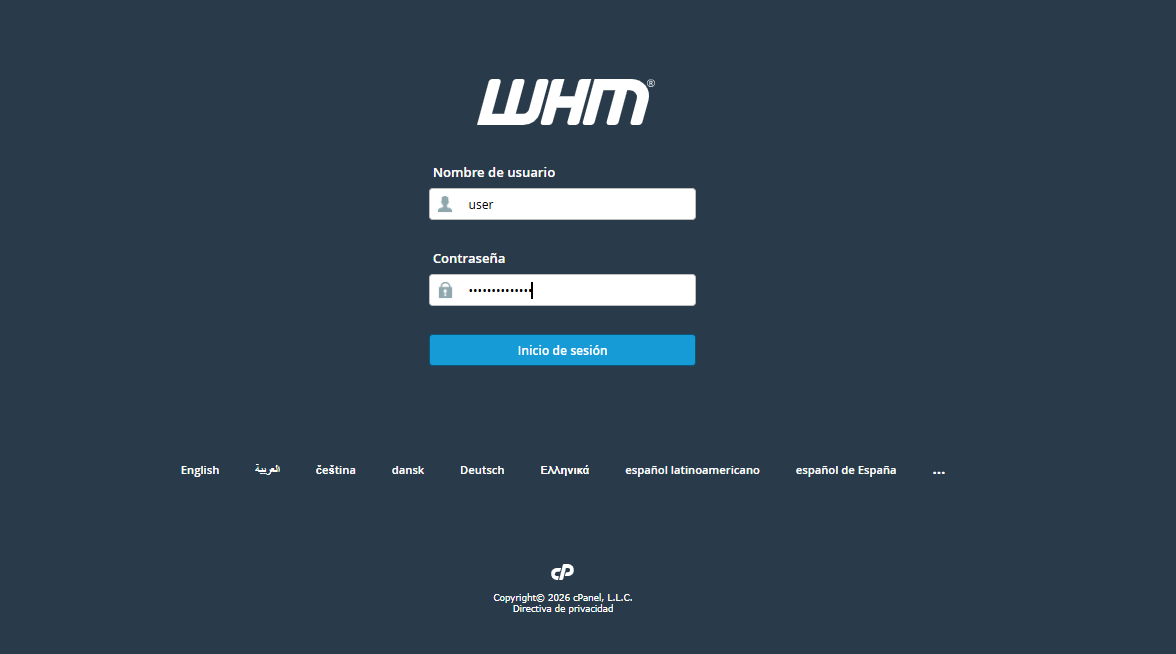
Access your WHM instance: Log in using your Reseller administrator credentials through your standard administrative URL.


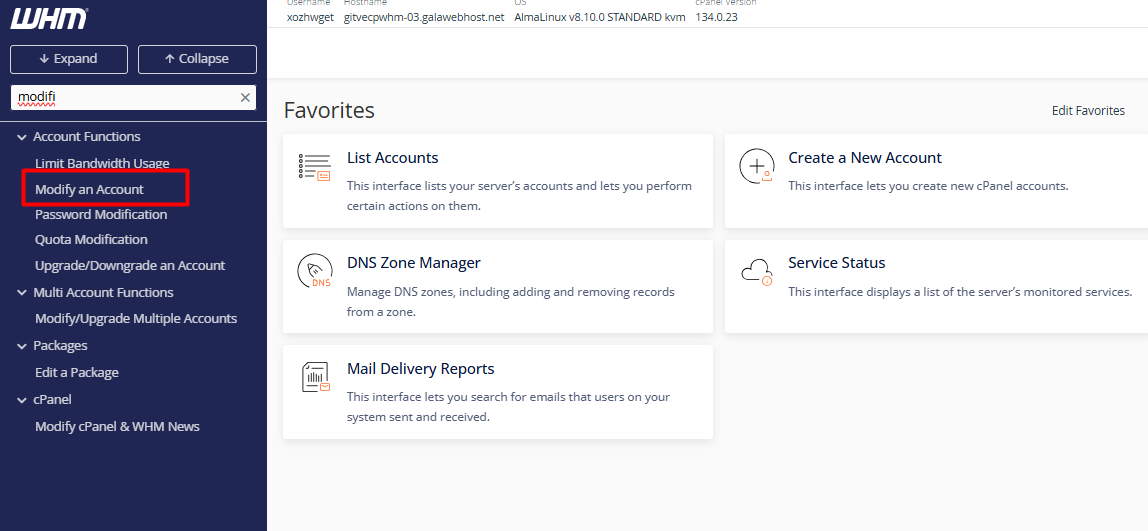
2. Locate the tool: In the search bar on the left sidebar, type "Modify an Account" and select it. (Note: You can also access this via "List Accounts" by expanding the domain details with the [+] icon and clicking the "Modify Account" button.)


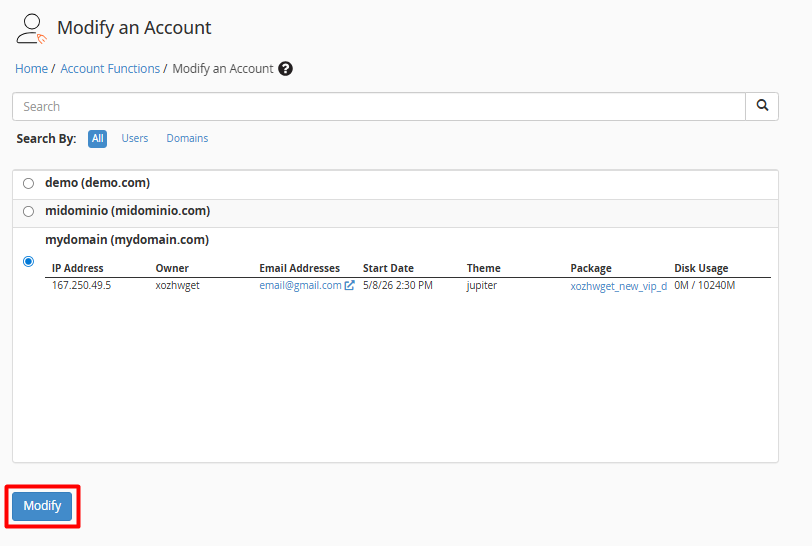
3. Select the account: Identify the specific domain or user that requires adjustments and click the "Modify" button.


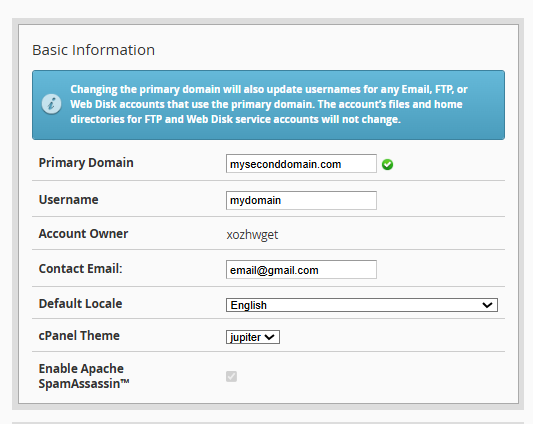
4. Parameter Configuration: Within the editing interface, you can adjust the following categories:


4.1. Identity Information: Update the primary domain, username, or contact email address.


4.2. Quota Management: Precisely adjust disk space, monthly bandwidth, and the number of allowed databases or FTP accounts.
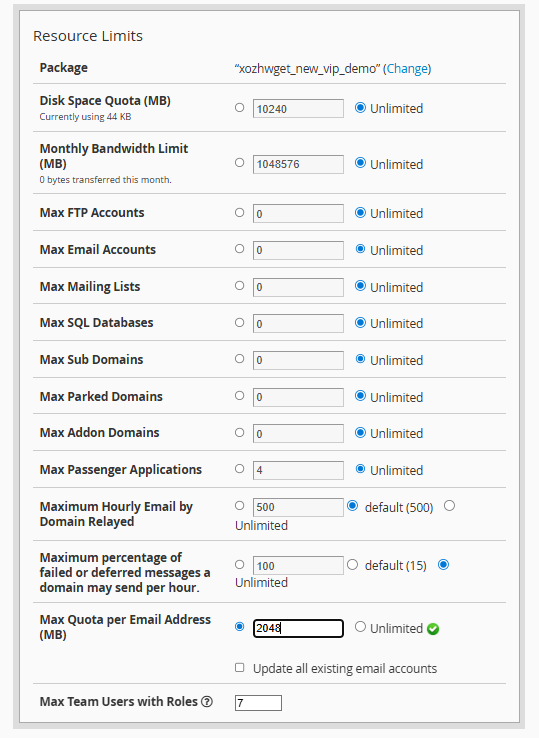


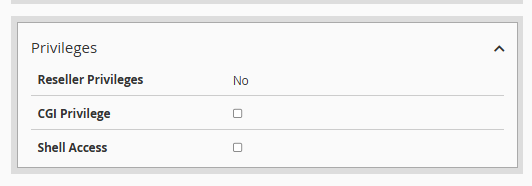
4.3. Security Permissions: Manage Shell access (SSH) and CGI privileges.


4.4. DNS Records: Perform advanced configurations for DKIM signatures or SPF records.
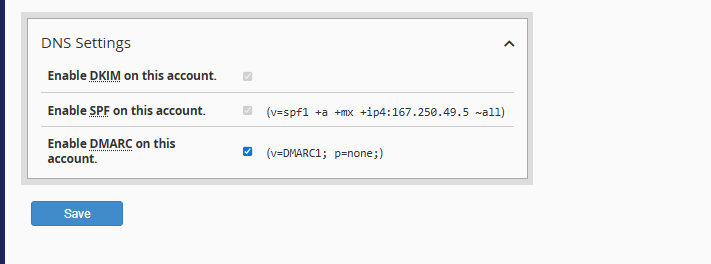


5. Final Step: Scroll to the bottom of the page and click "Save".
 
 
Note: If the system detects that the changes do not match a pre-existing package, it will allow you to choose between updating the current package or creating a new one based on these specifications.
 
  • 0 Users Found This Useful
Was this answer helpful?

Related Articles

How to create a cPanel account in my Reseller account?

    There are two methods for creating a cPanel account for your clients, depending on the...

How to delete a cPanel account in my Reseller panel (WHM)?

    Deleting an account in WHM is a permanent procedure known as "Terminate an Account." By...

How to manage cPanel account password changes via WHM

  If you need to restore access or reinforce the security of a specific client account, WHM...

How can I view the list of accounts in WHM?

  To manage and view the cPanel accounts hosted on your server, the WHM (WebHost Manager) panel...

How to perform bulk modifications on multiple accounts in WHM?

  The Modify/Upgrade Multiple Accounts function in WHM is the ideal tool for efficiently...
