


The creation of a database is a fundamental process for the operation of web applications and Content Management Systems (CMS). To perform this procedure correctly, please follow these instructions:
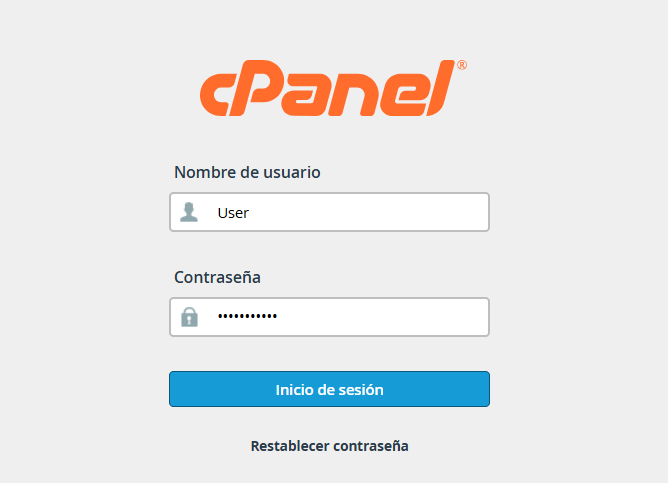
1. Access your cPanel dashboard using your administrative credentials.
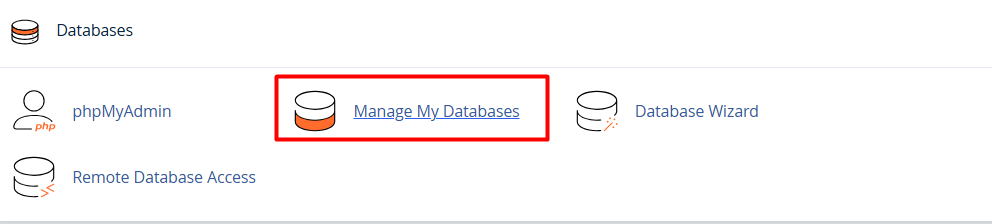
2. Find the "Databases" section and select the "MySQL® Databases" option (or "Manage My Databases," depending on your interface theme).
3. In the "Create a New Database" section, enter a representative name for your database in the corresponding text field.
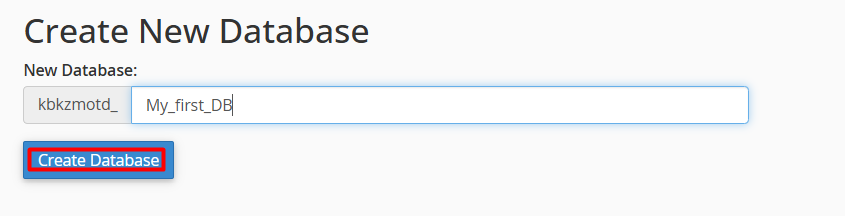
4. Click the "Create Database" button. The system will confirm that the database has been successfully generated.
Note: Once the database is created, you must create a MySQL user and assign the necessary privileges so that your application can connect and manage information correctly.
