


Elementor offers an intuitive drag-and-drop interface that facilitates visual management of your site. To ensure efficient editing, follow this workflow:
1. Navigate to the page or post you wish to modify and select the "Edit with Elementor" option located in the top WordPress toolbar.
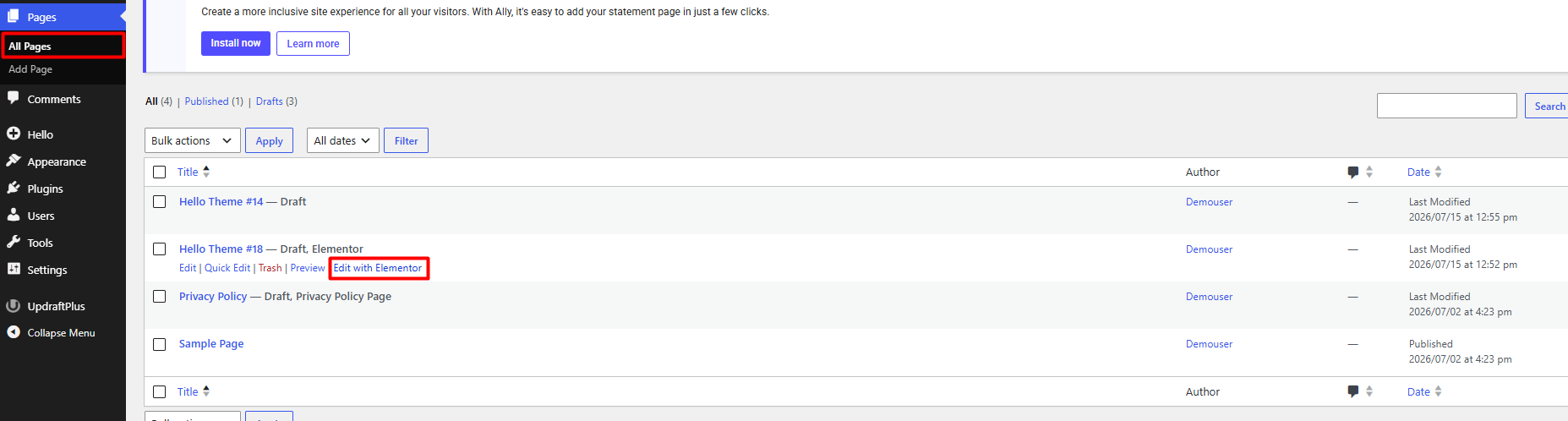
2. Use the Elementor navigator (accessible via the layers icon in the bottom left corner) to identify and select with precision the sections, columns, or widgets you wish to adjust.
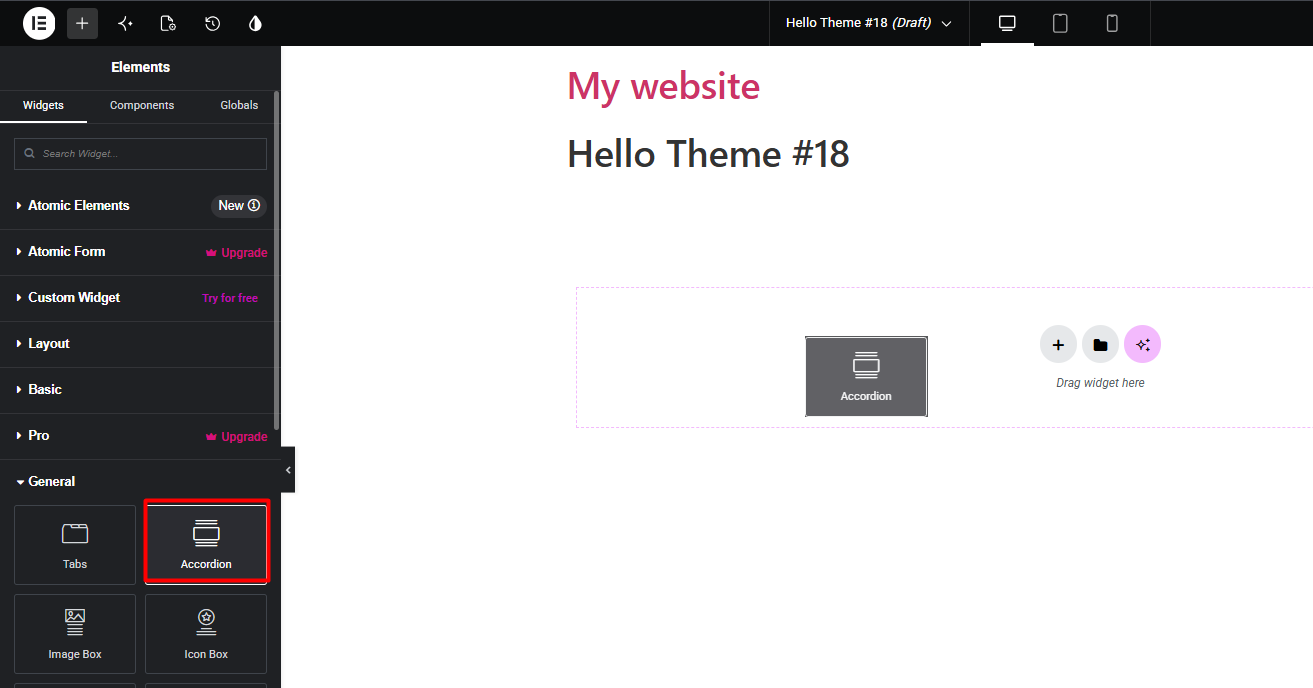
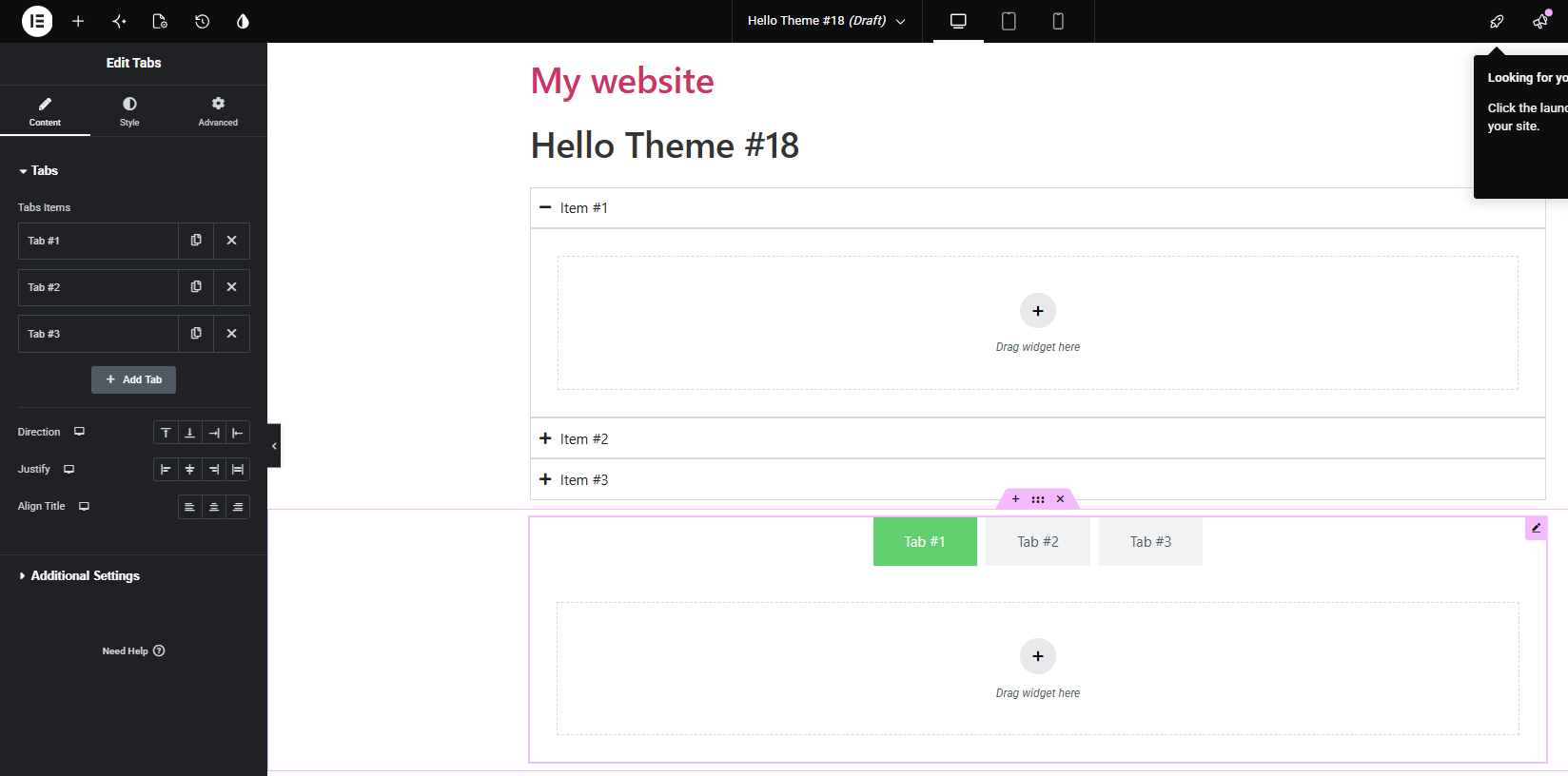
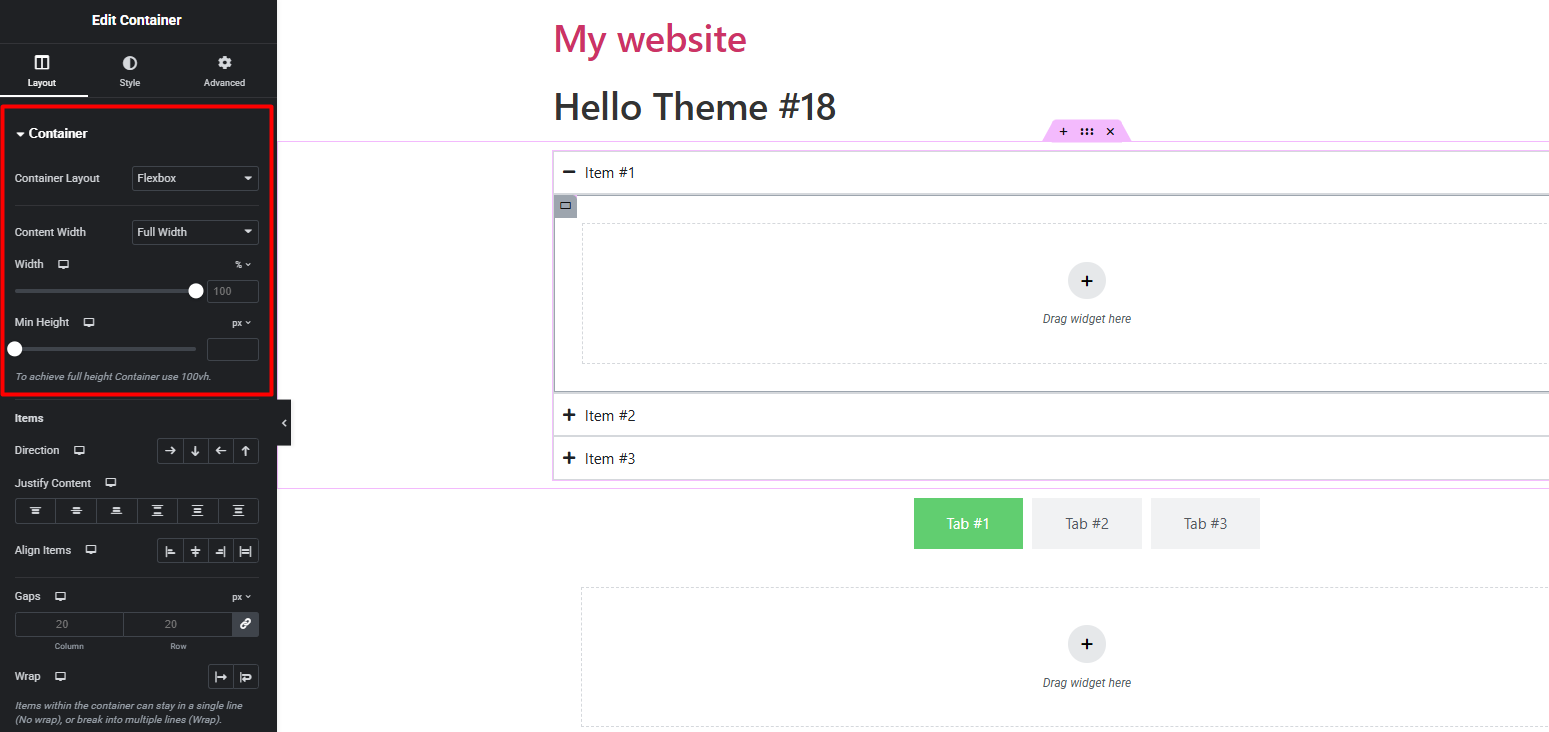
3. Once an element is selected, use the left-hand sidebar to modify parameters such as dimensions, margins, styles, typography, and visual effects, ensuring consistency with your corporate identity.
4. Take advantage of real-time preview tools to verify how your changes appear on mobile devices, tablets, and computers.

5. Upon finishing your editing, press the "Update" or "Publish" button to immediately implement the changes on your live website.

Notes:
• Before making structural modifications or massive changes, it is essential to verify the availability of a recent backup of your site to prevent potential errors
• We strongly recommend validating any design changes in a staging environment before applying them to production, thus ensuring service stability against potential configuration conflicts.
• Every structural modification generates additional records in the database; we suggest managing changes efficiently to preserve the optimal performance of your infrastructure.
