


El editor de bloques permite una gestión modular y eficiente de su contenido. Para realizar ediciones precisas, le sugerimos seguir este flujo de trabajo:
1. Diríjase a la página o entrada que desea modificar y haga clic en Editar para ingresar a la interfaz del editor de bloques.
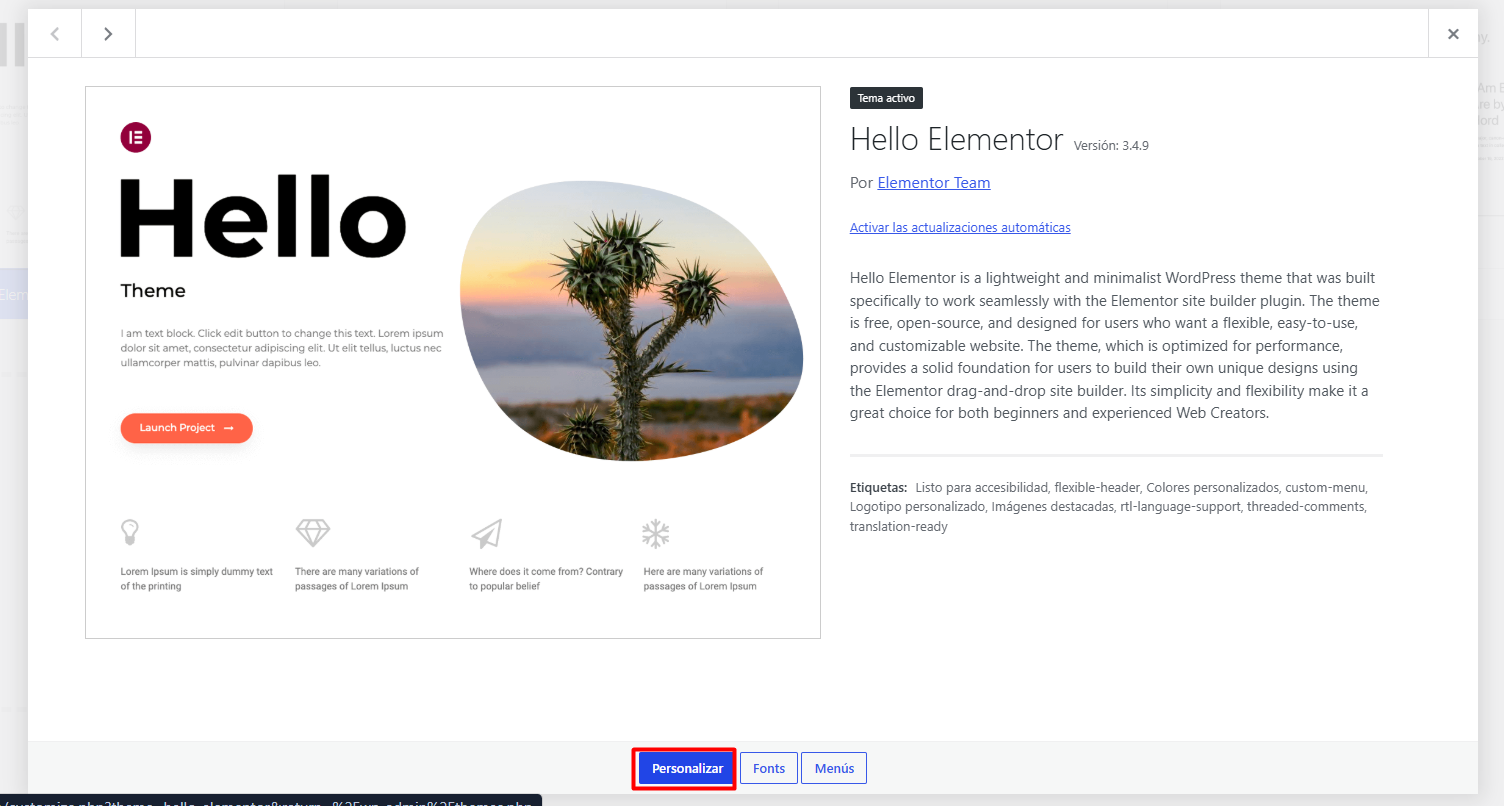
2. Utilice la herramienta de navegación de bloques (el icono de tres líneas en la barra superior) para identificar y seleccionar la sección o el bloque específico que requiere ajustes.
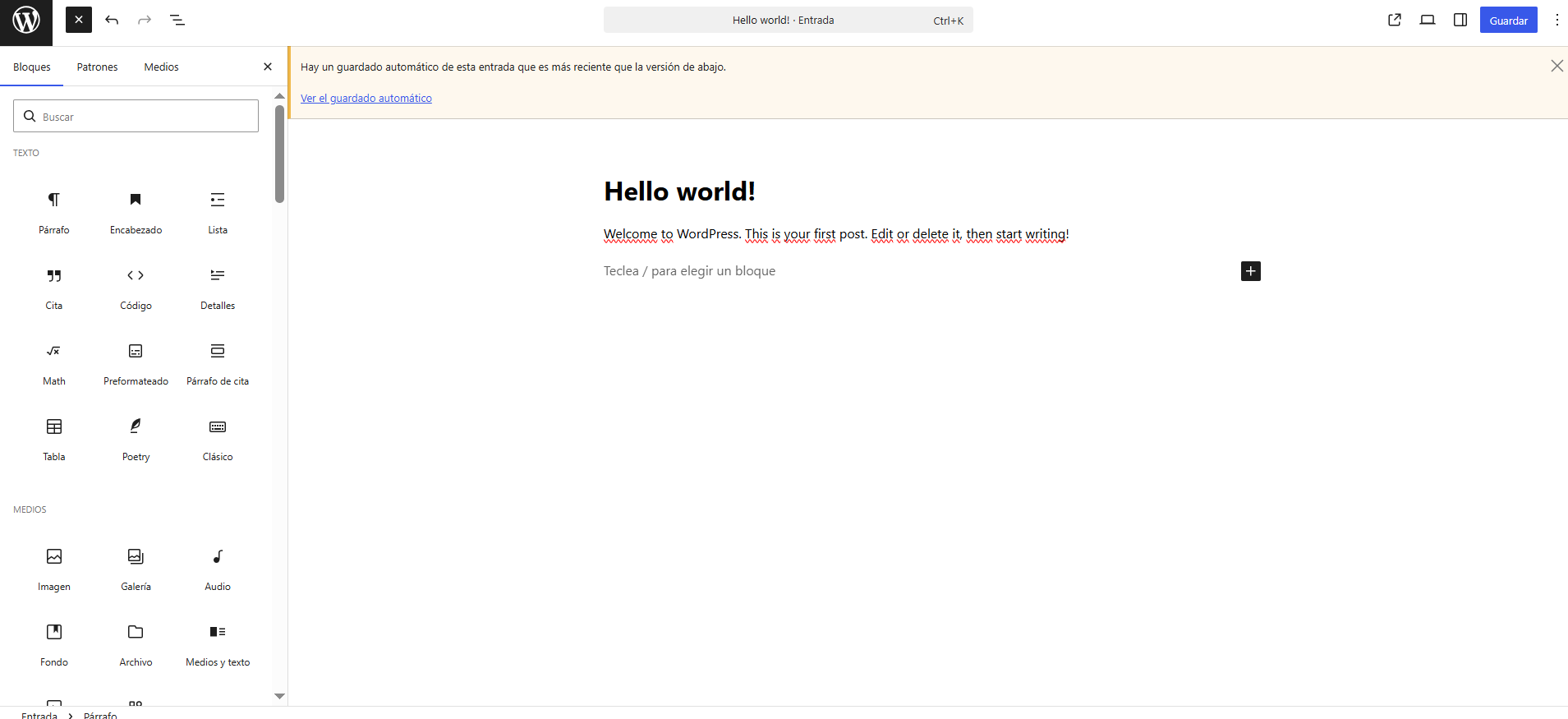
3. Una vez seleccionado el bloque, emplee la barra lateral de configuración para ajustar parámetros como márgenes, colores, tipografía y dimensiones, asegurando que cada cambio sea consistente con su identidad visual.
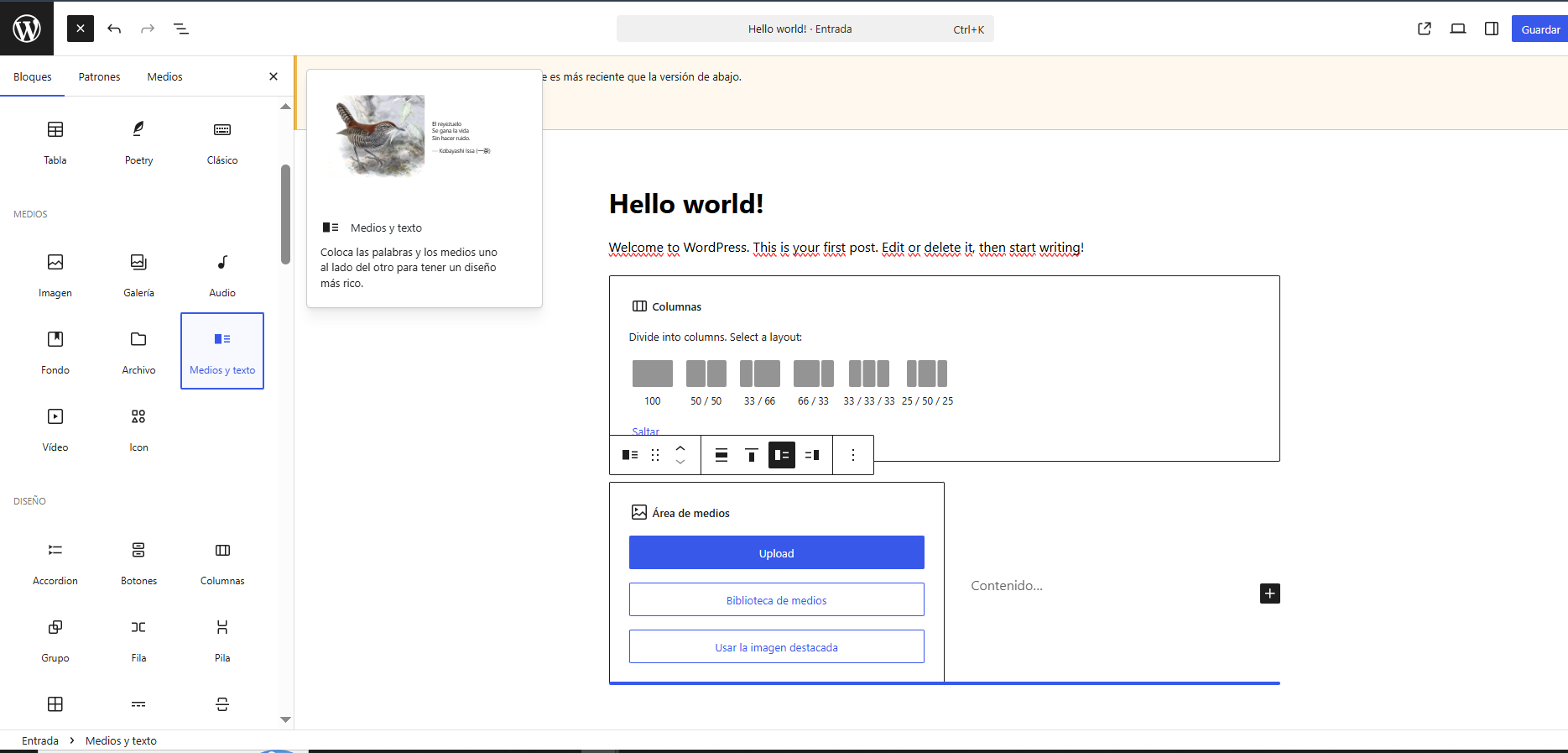
4. Para cambios de texto o elementos multimedia, puede interactuar directamente con el contenido en el área de trabajo, aplicando ediciones rápidas de manera intuitiva.
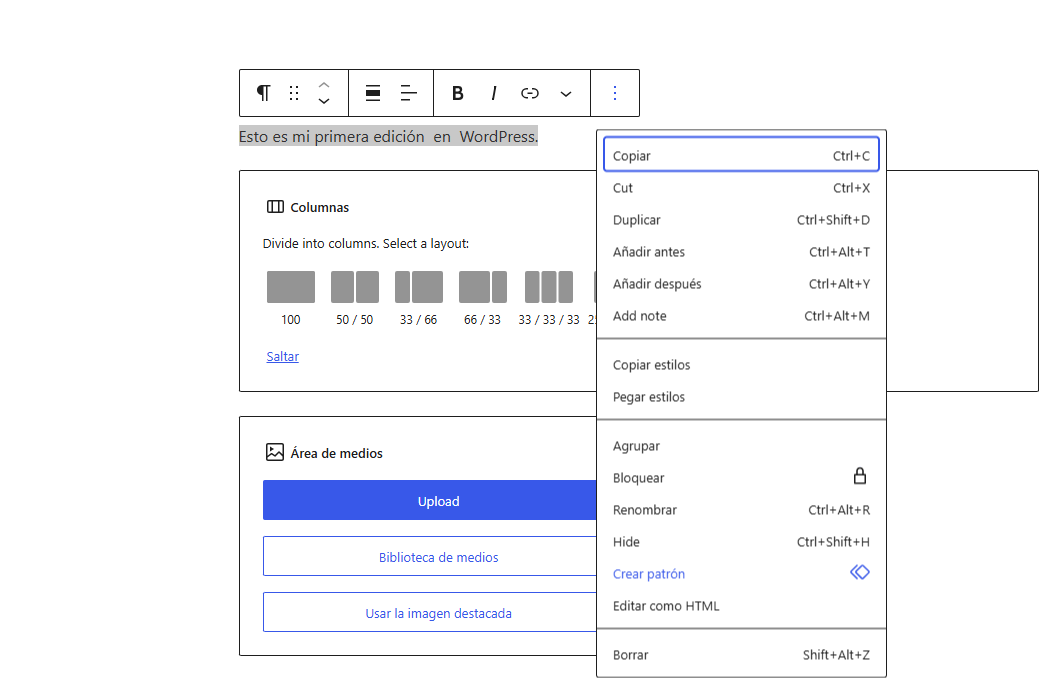
5. Tras finalizar las modificaciones, seleccione Actualizar o Publicar para implementar los cambios en su sitio web en producción de forma inmediata.
Notas:
• Antes de realizar modificaciones de carácter estructural, es indispensable verificar la disponibilidad de un respaldo reciente de su sitio para prevenir posibles errores.
• Se recomienda validar cualquier cambio de diseño en un entorno de staging antes de aplicarlo en producción, garantizando así la estabilidad del servicio.
• Cada modificación estructural genera registros en la base de datos; le sugerimos gestionar los cambios de forma eficiente para preservar el rendimiento óptimo de su infraestructura.
