


The SSL (Secure Sockets Layer) protocol is a digital security standard that encrypts data transfer between the user's browser and the web server under the HTTPS protocol. This process encodes passwords, credentials, and sensitive data into an indecipherable algorithm, shielding the infrastructure against traffic interception and third-party cyberattacks.
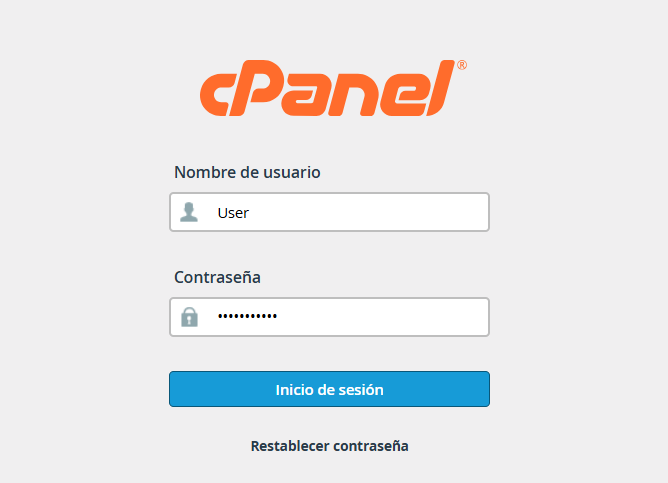
1. Log in to the cPanel platform using the access credentials previously provided in your welcome email.
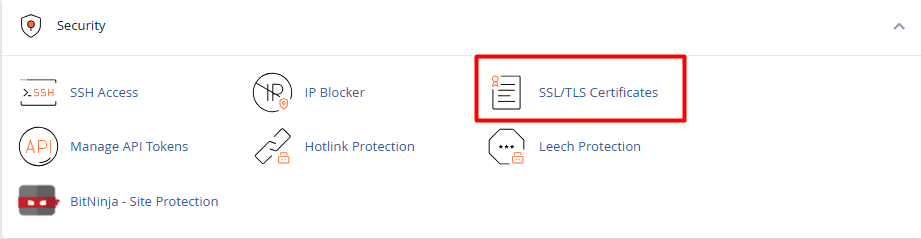
2. Go to the Security section and select the SSL/TLS option.
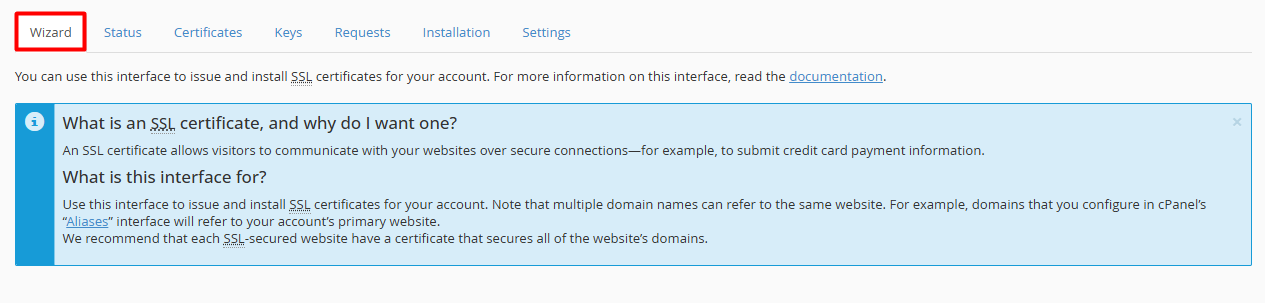
3. Within the dropdown menu or management interface, various assignment alternatives will be presented. It is recommended to choose the Wizard mode to optimally guide the process.
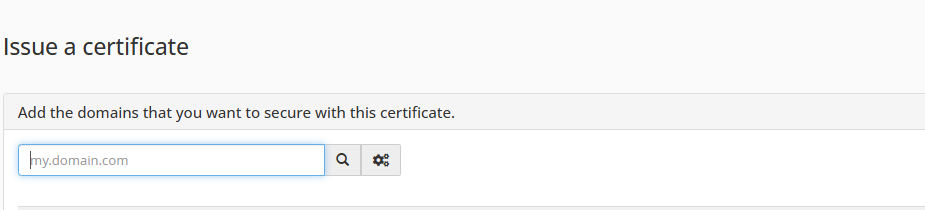
4. Locate the section titled "Issue a certificate"
5. Evaluate the list of domains and subdomains available in the hosting account (Example ., mydomain.com, ://mydomain.com, *.mydomain.com).
6. Check the box located to the left of each item that requires security certification coverage.
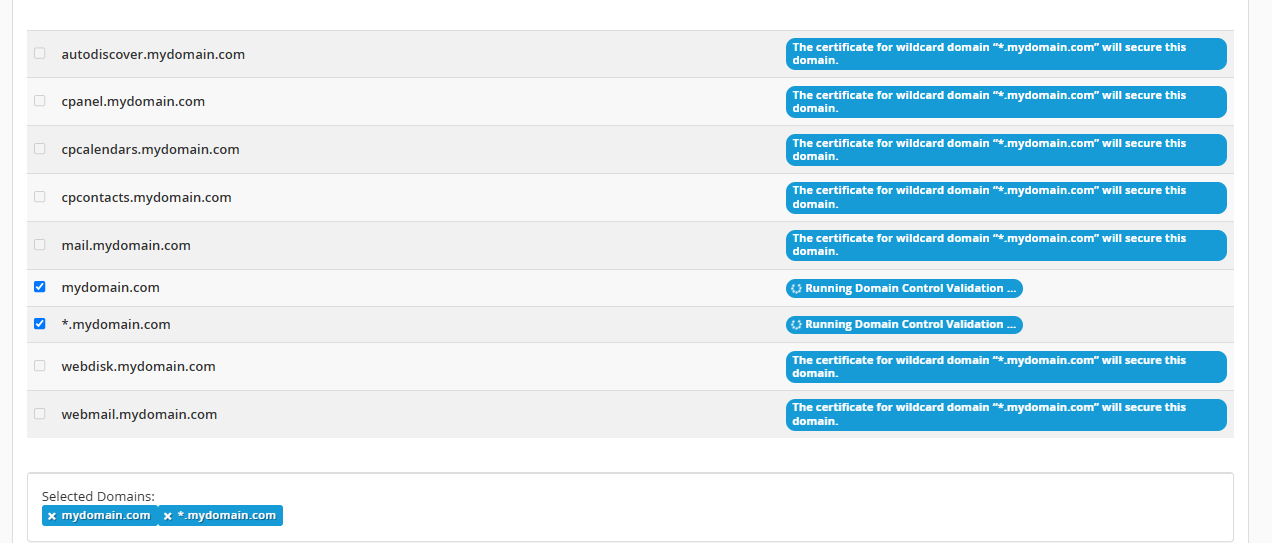
7. Scroll to the bottom of the list and click the action button to execute the Issuance, AutoSSL, or Installation of the selected digital certificates.
Note:
• In accounts with a high volume of records, you can use the adaptive search bar (my.domain.com) to quickly locate specific subdomains.
• To successfully assign or update an SSL certification, the target domain must be previously configured in the hosting as an addon domain, alias, or subdomain.
• It is mandatory that the domain correctly points to the name servers (DNS) of the hosting platform so the certificate authority can validate ownership and issue the encryption.
