


You can manage the availability of tools such as databases, installers, or email accounts through the Feature Manager. This allows you to design differentiated hosting plans and protect your server's security.
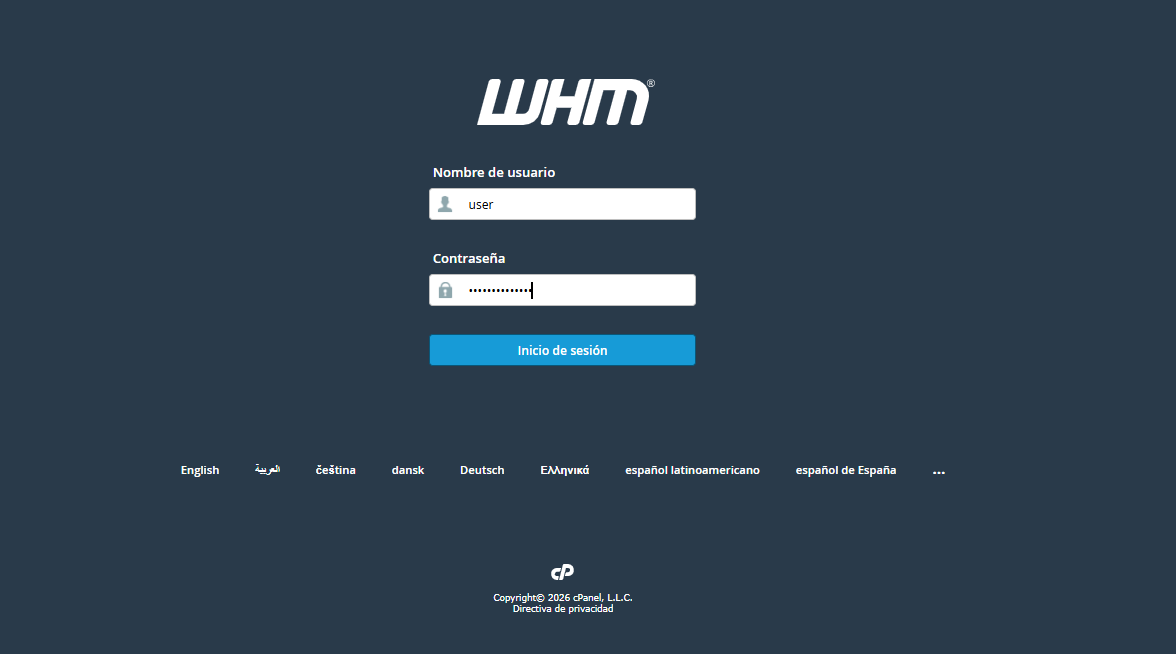
1. Log in to your WHM administration panel.
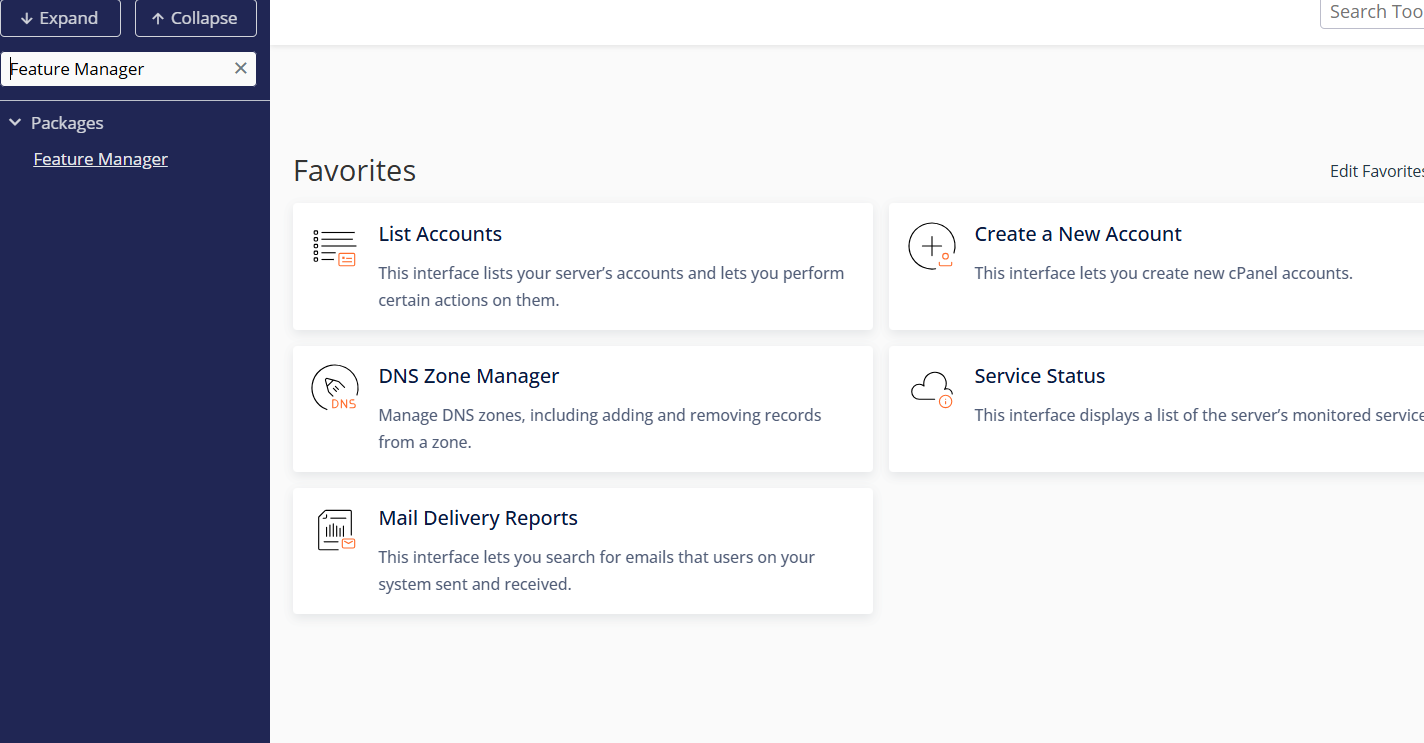
2. In the left sidebar search bar, type "Feature Manager" and select it.
3. Within this section, you can customize your tool lists under the following options:
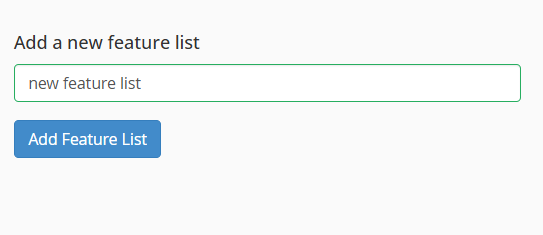
3.1. Create a new feature list
Procedure: Type the name of the list in the Add a new feature list field and click Create.
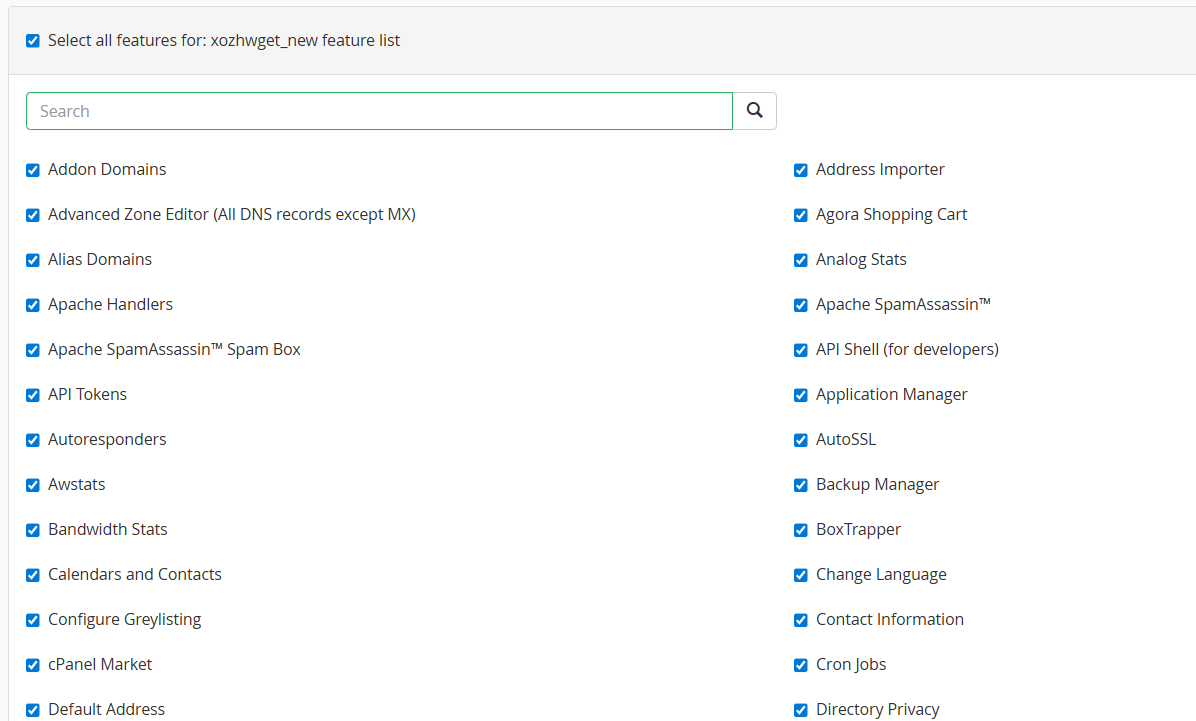
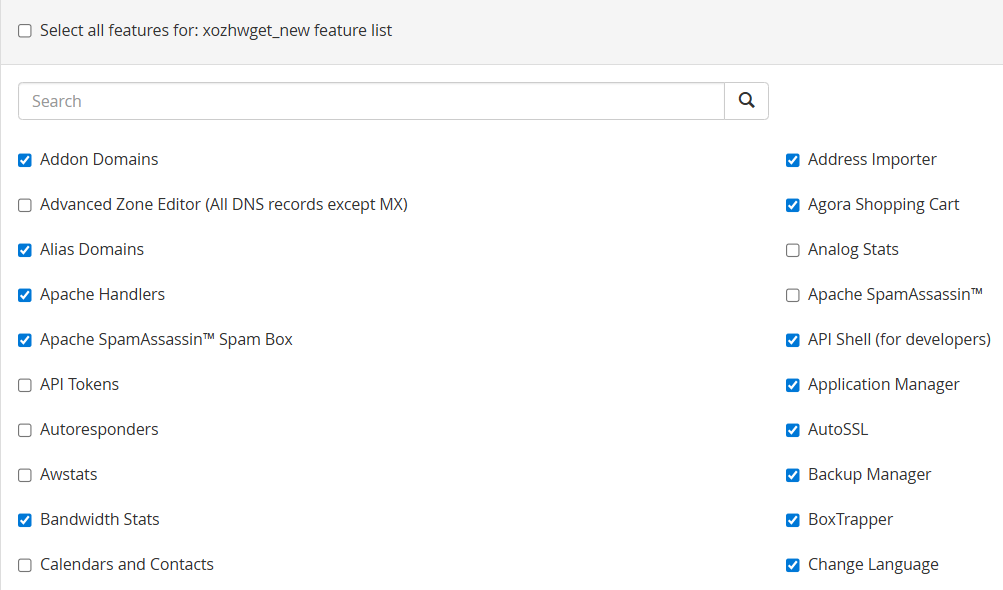
Configuration: Check the boxes for the tools you want to allow and uncheck those you prefer to hide from your users.
3.2. Edit an existing list
Procedure: Select the list you want to modify (for example, the default list) from the dropdown menu and click Edit.
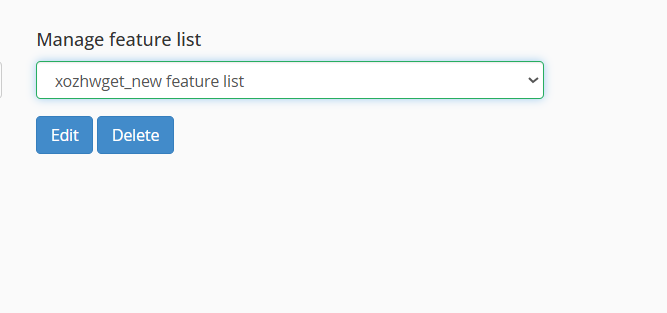
Configuration: Enable or disable the options according to the new requirements of your plans and click Save to apply the changes immediately.
4. Feature lists are not linked directly to a user, but to a Hosting Package. To apply them, follow these steps:
4.1. Go to Add a Package or Edit a Package.
4.2. In the settings section, locate the Feature List field and choose the list you just customized.
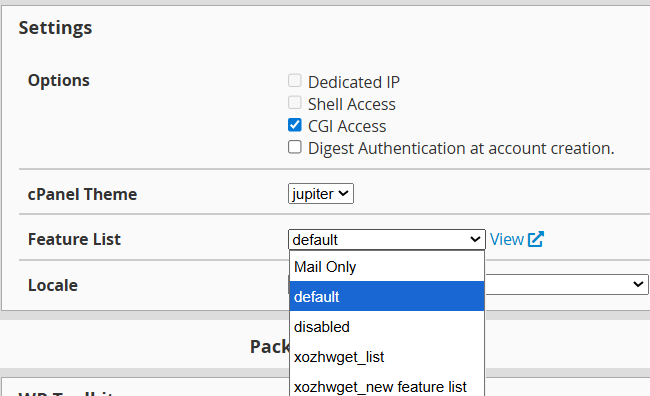
4.3. Upon saving, all clients assigned to that package will automatically inherit the new configuration in their cPanel interface.
