


This tool allows you to optimize communication with your users by publishing important announcements, maintenance alerts, or promotional campaigns directly in their control panels.
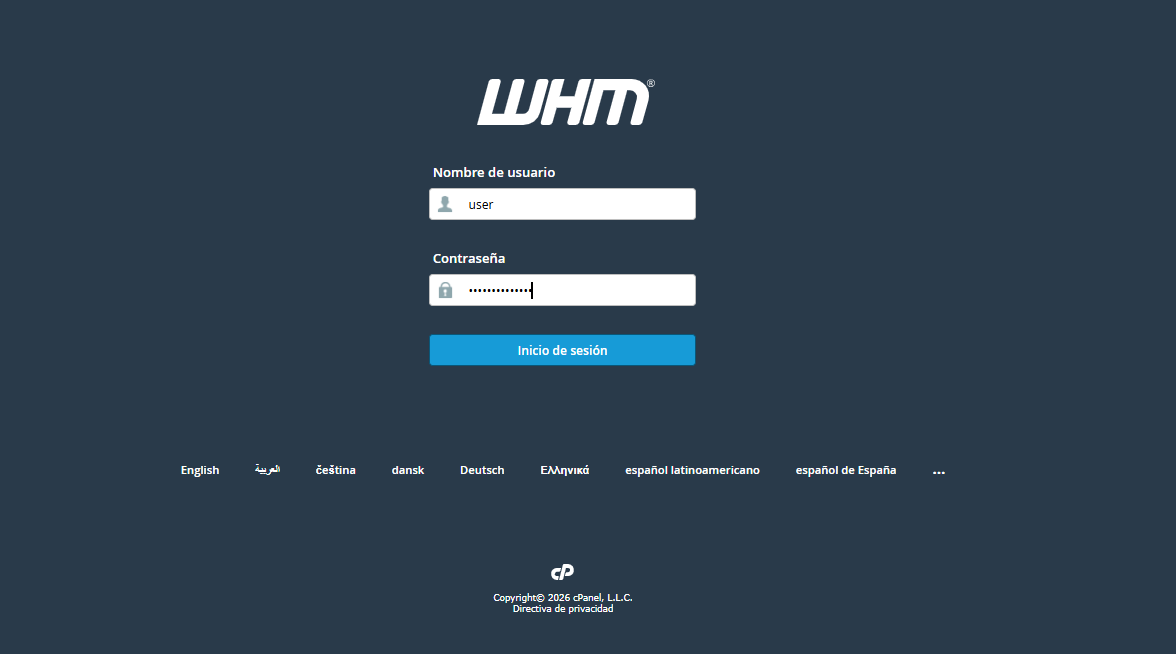
1. Log in to your WHM administration panel.
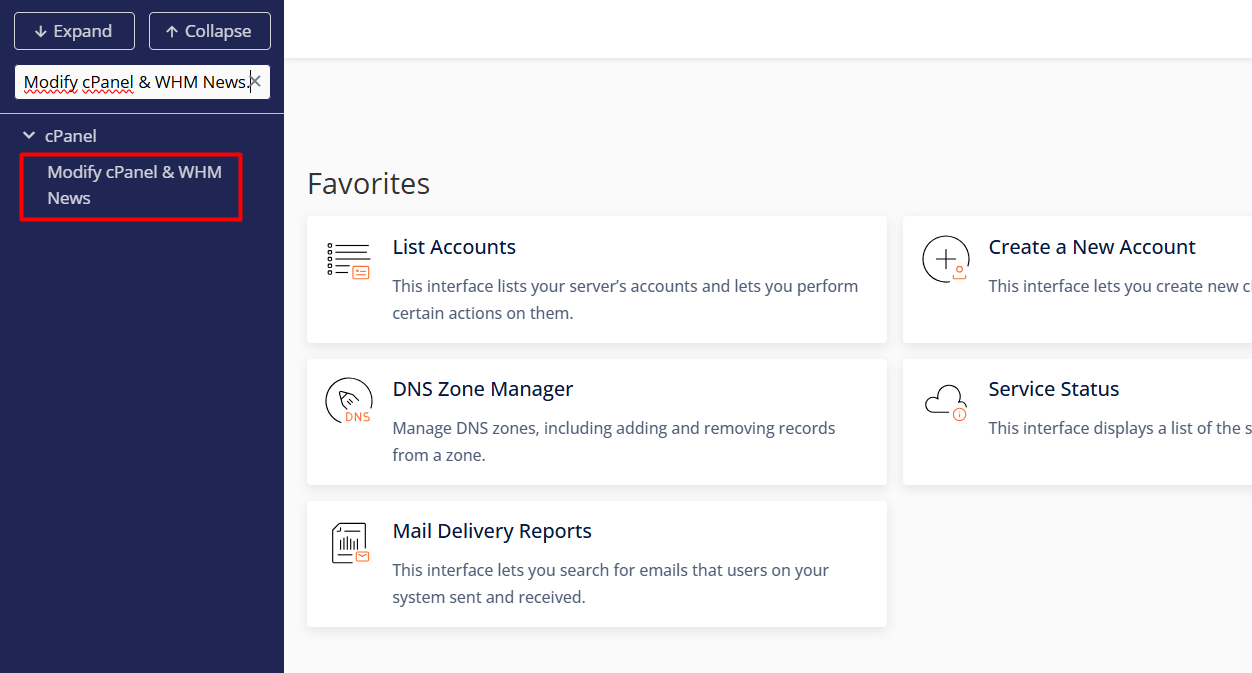
2. Use the search bar in the left sidebar menu and enter "Modify cPanel & WHM News."
3. Click on the option and write your announcement in the text box.
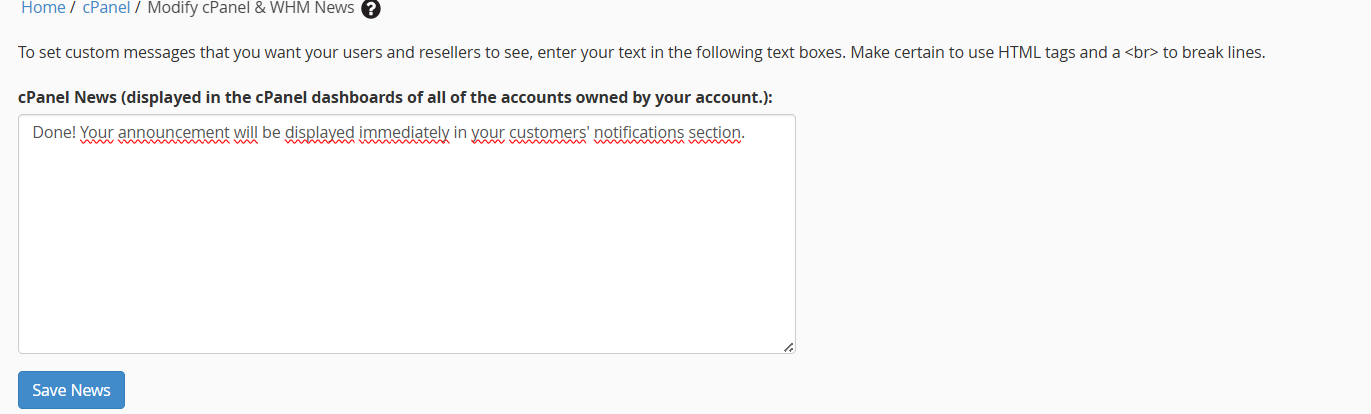
4. Click the "Save News" button.
Notes:
• You can use plain text or HTML code to enhance the visual impact with images, links, and custom formatting.
• Your announcement will appear immediately in your customers' notifications.
