


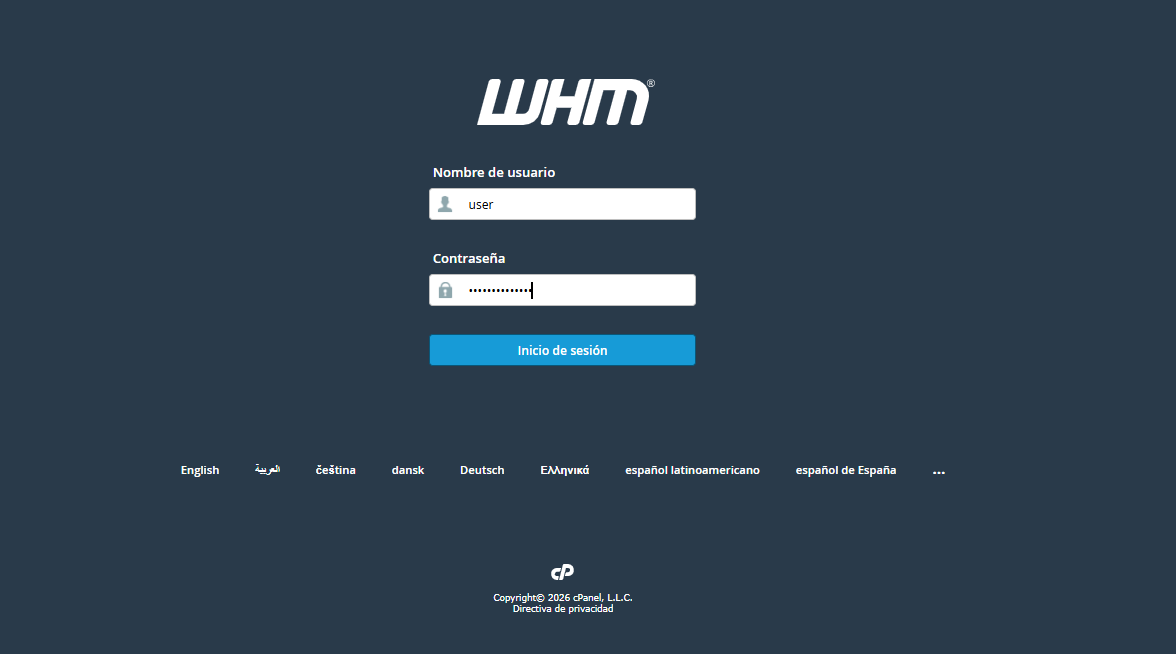
1. Log in to your WHM administration panel.
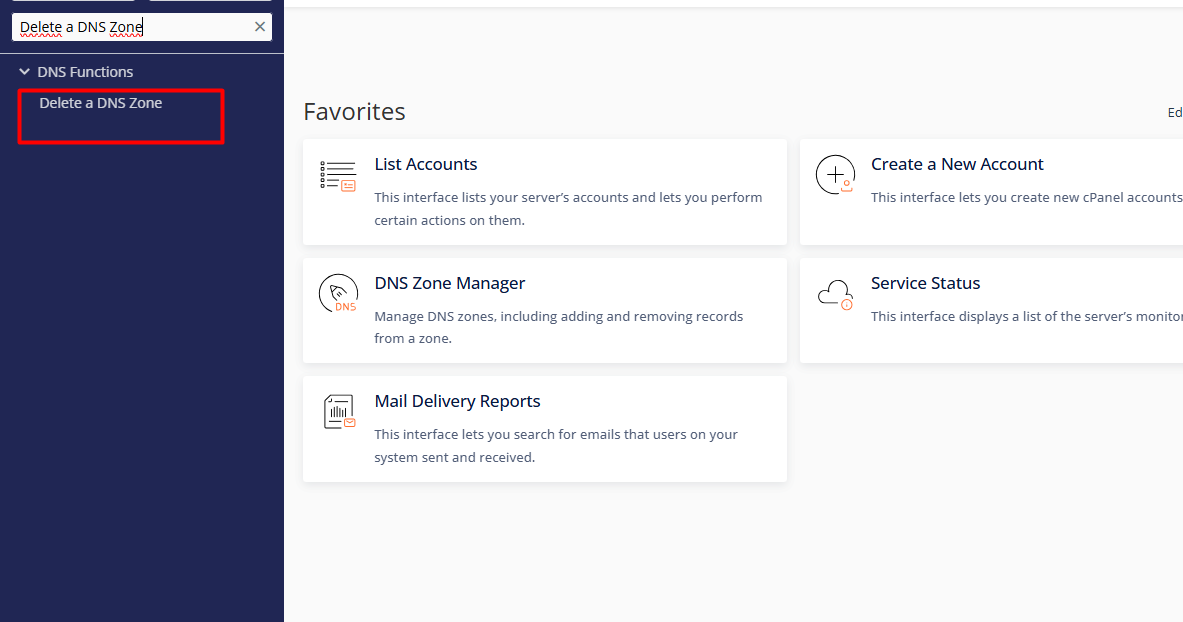
2. Locate the DNS Functions section in the side menu and select the Delete a DNS Zone option.
3. Identify the specific domain or domains you wish to remove from the list. The system allows for multiple selection to optimize bulk processes.
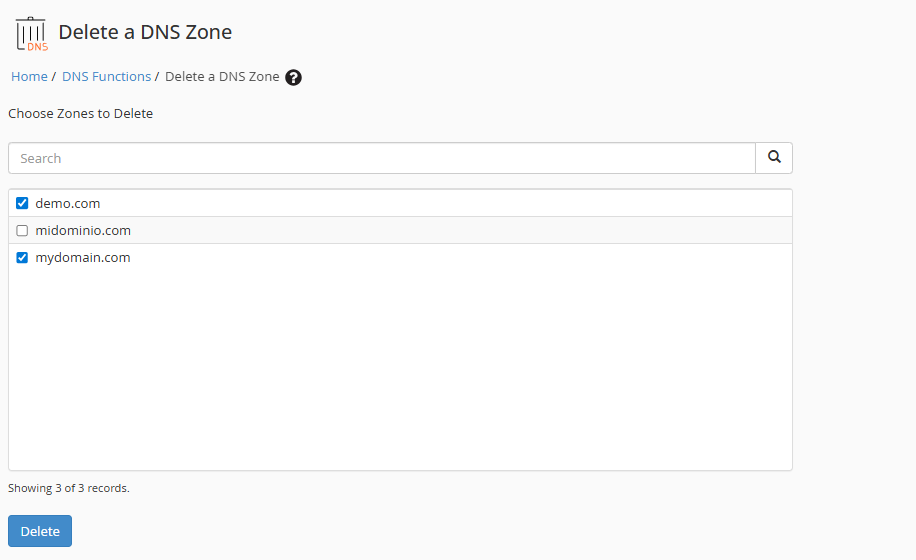
4. Click the Delete button. The system will prompt for a final validation before permanently removing the records from the server.
Resolution Cease: Please be aware that, upon deletion, all linked services (website, email accounts, and subdomains) will immediately stop resolving through this server.
Backup Management: This action is irreversible. It is highly recommended to export or back up any custom records before proceeding with the final removal.
Server Optimization: Removing "orphan zones" (records without active hosting accounts) is a best practice to prevent internal routing conflicts and maintain a clean, efficient DNS database.
