


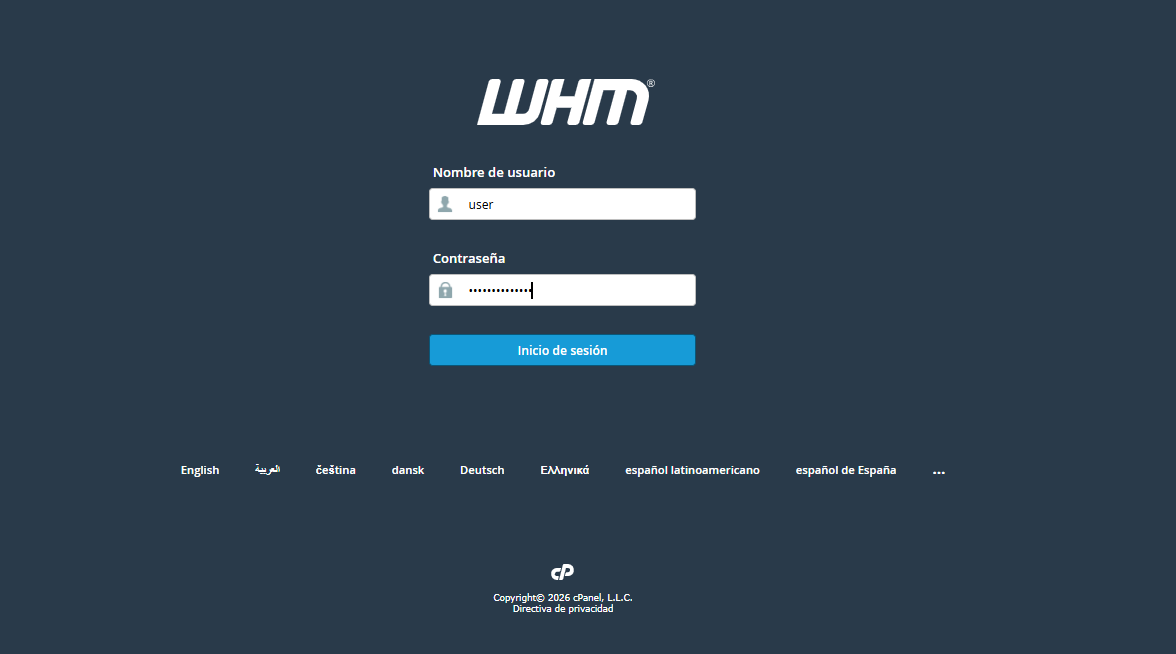
1. Log in to your WHM administrative console.
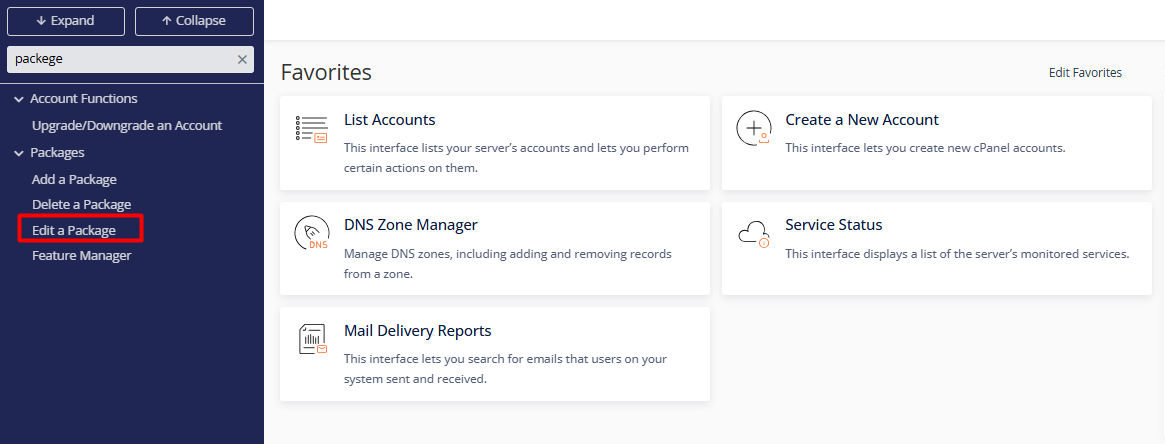
2. In the side menu, go to the Packages section or use the quick search bar by typing "Edit a Package".
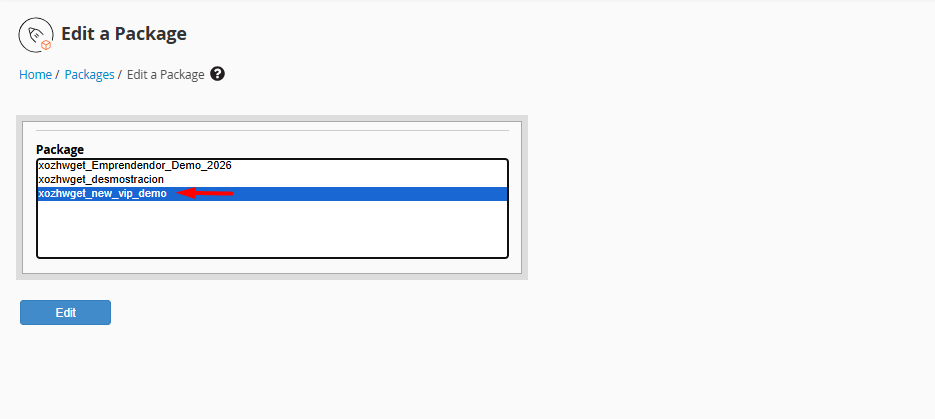
3. Choose the package you wish to update from the list and click the Edit button.
4. Modify the settings according to your current requirements:
4.1 Disk Quota (MB): Total storage space.
4.2. Monthly Bandwidth (MB): Data transfer limit.
4.3. FTP/Email Accounts: Maximum number of mailboxes and FTP access points.
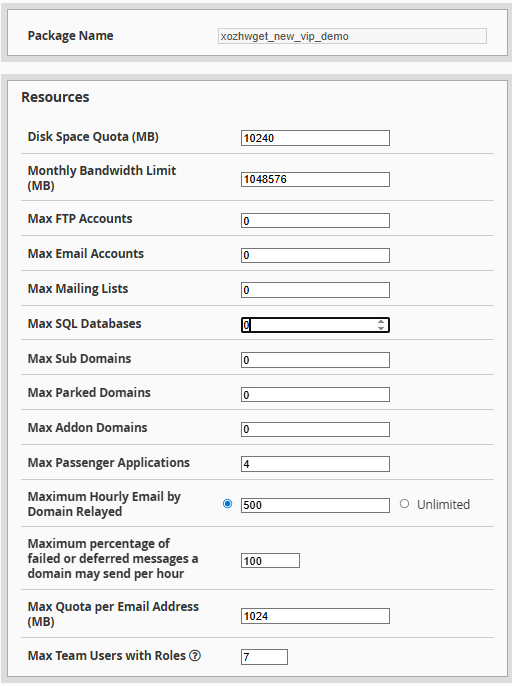
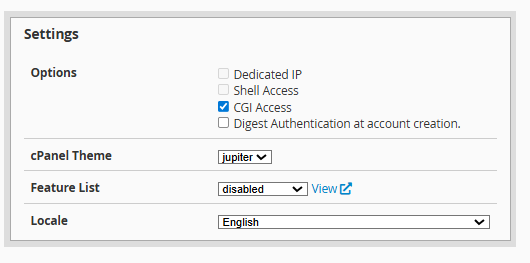
4.4. Feature List: Tools and options visible to the end user within cPanel.
Finalize: Scroll to the bottom of the page and click Save Changes to apply the new configurations.
Notes:
• Immediate Synchronization: Upon saving, all cPanel accounts linked to this package will automatically inherit the new resource limits.
• Package Naming: For system security reasons, existing packages cannot be renamed. If you require a different name, you must create a new package and reassign the corresponding accounts.
