


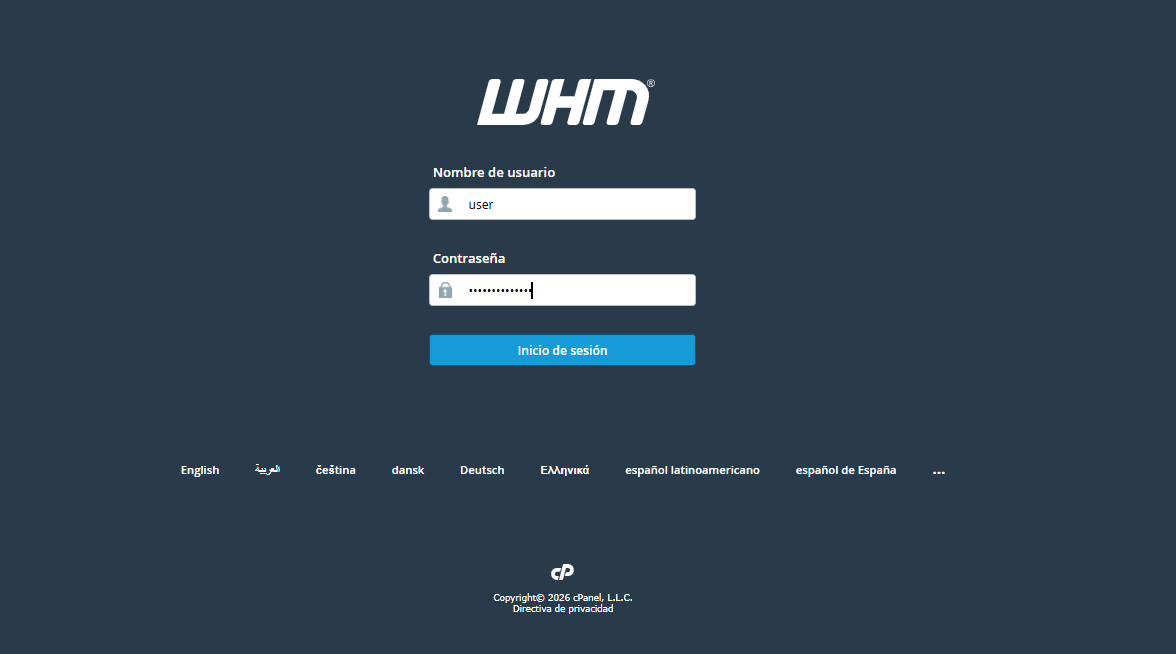
1. Log in to your WHM instance using your Reseller credentials.
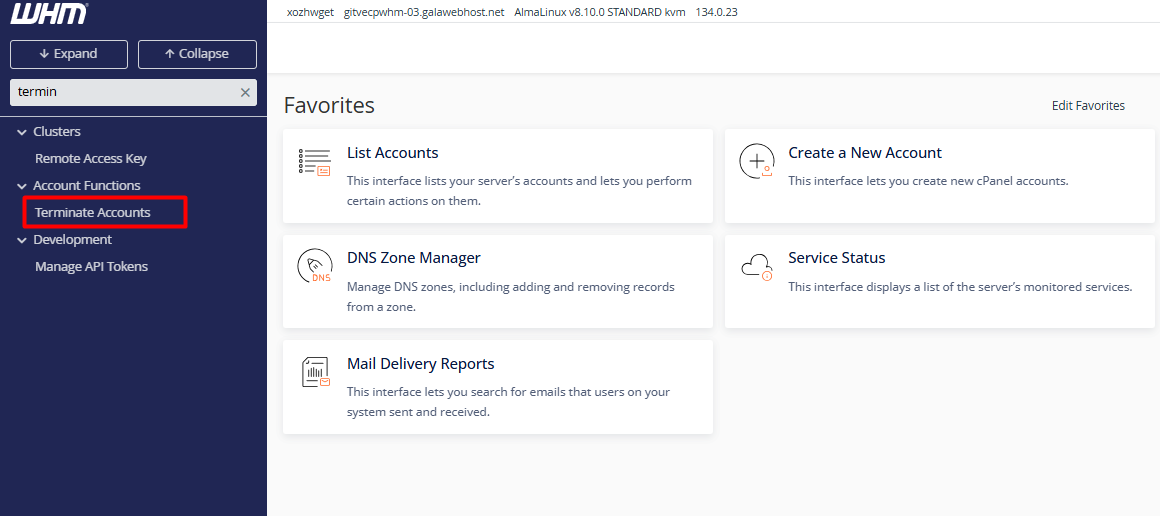
2. In the search field of the side menu, type "Terminate an Account." (Note: You can also go to "List Accounts," locate the domain, and press the red "Terminate" button.)
3. Select the specific account. It is essential to validate that the username and domain are correct, as this operation is irreversible.
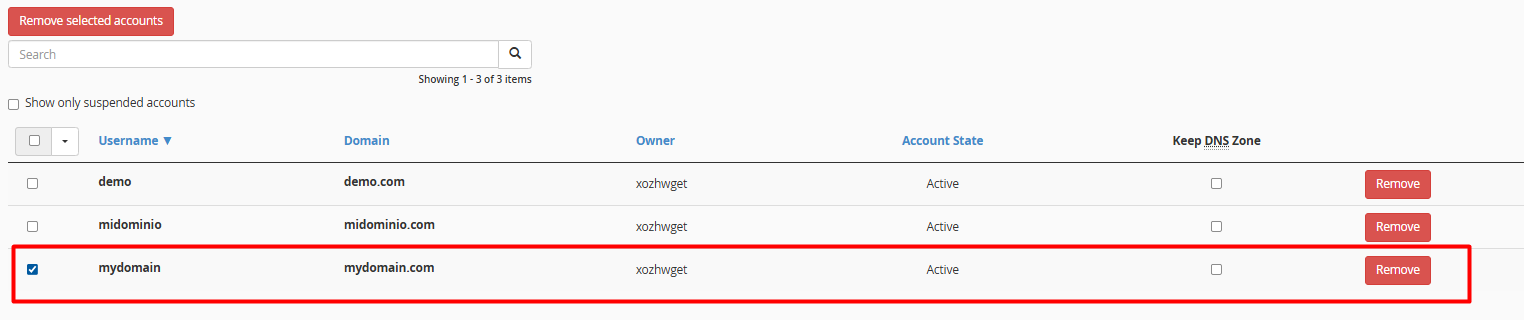
4. Click the "Remove" button. After a final confirmation, the server will automatically proceed to purge the DNS records and the account's root directory.
• Data Backup: We suggest performing a full backup before deletion; this will allow you to restore information in case of future client requests.
• Suspension vs. Deletion: If the goal is to temporarily restrict the service due to non-payment or maintenance, we recommend using "Suspend/Unsuspend an Account." This preserves the data without using active resources.
• DNS Impact: Keep in mind that all DNS zone records configured on the server for that domain will be deleted immediately.
