How to create a cPanel account in my Reseller account?


There are two methods for creating a cPanel account for your clients, depending on the flexibility you require:


• Via Predefined Package: Use a pre-configured hosting plan to streamline the process and standardize client resources.


• Manual Configuration: Assign specific, customized resources to the account by checking the "Select Options Manually" box. 

 
For the purposes of this section, we will proceed using a previously created package to ensure a fast and efficient implementation.


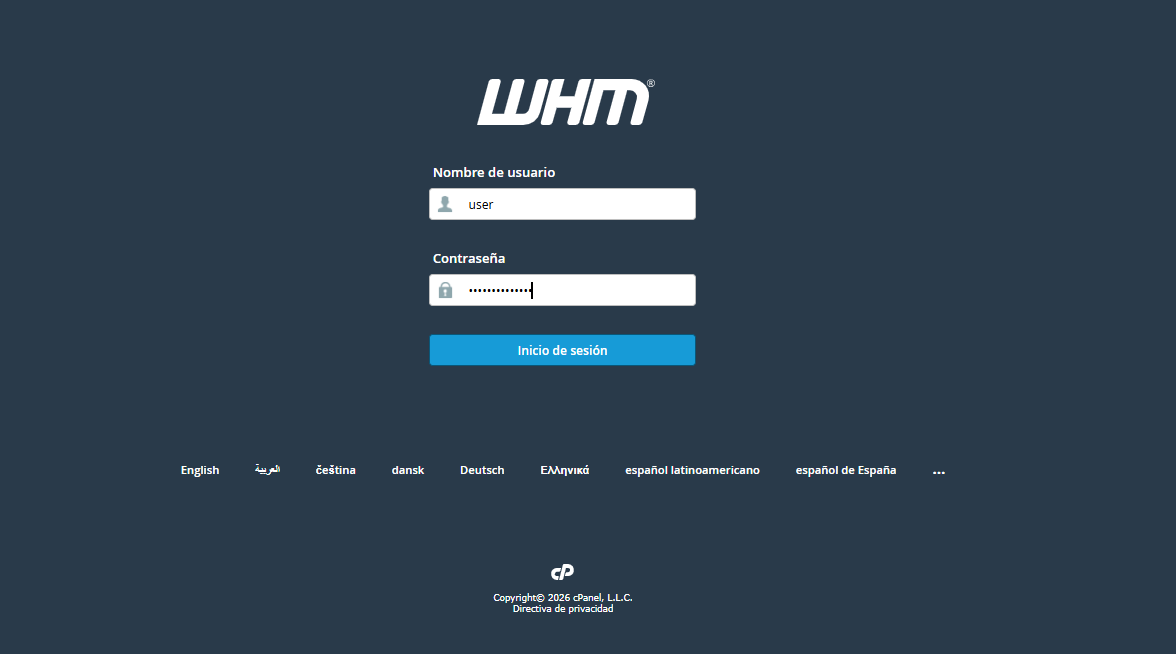
Access your WHM interface by entering your administrator or reseller credentials.


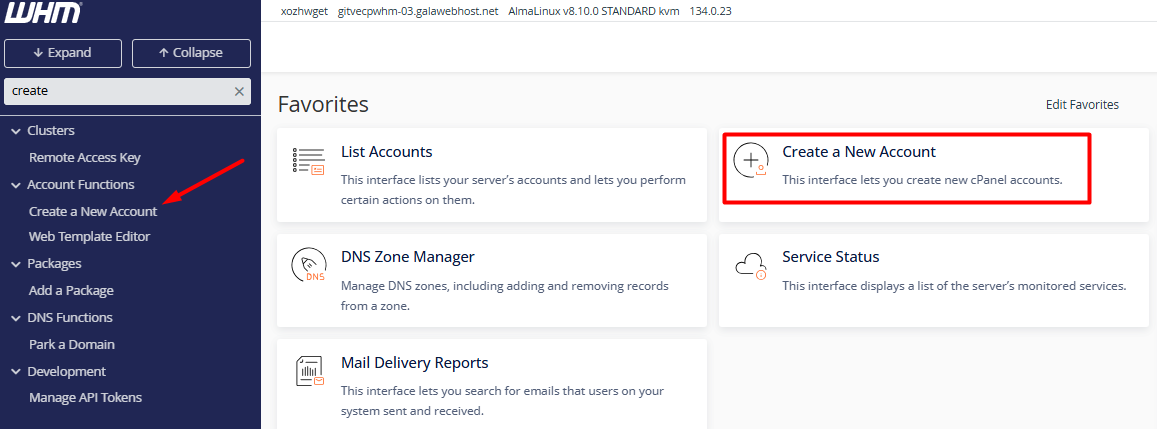
2. Optimize your search using the left sidebar: type "Create a New Account." You can also find this option within the Account Functions module.\


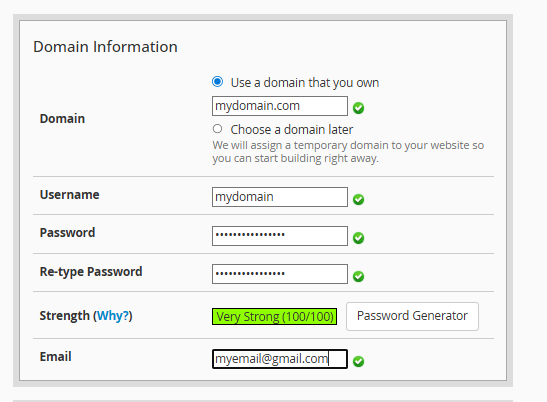
3. Domain Parameters Registration: Complete the form with the essential data.


3.1. Domain: Enter the primary name (example, company.com), omitting the "www" prefix.


3.2. Username and Security: The system will suggest a username automatically; define a strong password or use the built-in generator for better protection.


3.3. Contact: Link an email address to receive critical alerts and system notifications.


 4. Resource Allocation and Preferences


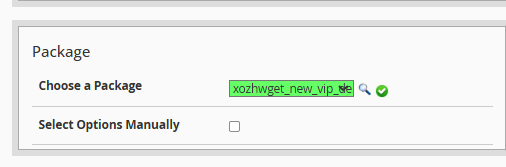
4.1. Package Selection: Choose a predefined plan that sets limits for disk quota, bandwidth, and databases.


4.2. Settings: Configure the cPanel language for the end user and adjust DNS parameters according to technical requirements.
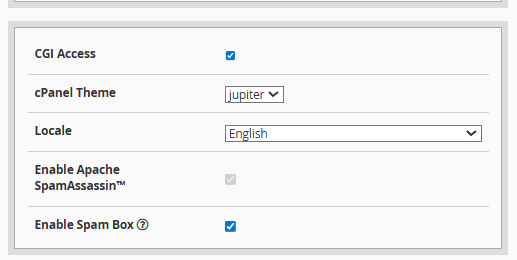



Finish the process by clicking the Create button. WHM will display a real-time progress bar and, upon completion, provide a detailed summary with the access credentials ready for use.
  • 0 Users Found This Useful
Was this answer helpful?

Related Articles

How do I modify a cPanel account in my Reseller panel?

  The management and editing of cPanel accounts is centralized in the "Modify an Account" tool...

How to delete a cPanel account in my Reseller panel (WHM)?

    Deleting an account in WHM is a permanent procedure known as "Terminate an Account." By...

How to manage cPanel account password changes via WHM

  If you need to restore access or reinforce the security of a specific client account, WHM...

How can I view the list of accounts in WHM?

  To manage and view the cPanel accounts hosted on your server, the WHM (WebHost Manager) panel...

How to perform bulk modifications on multiple accounts in WHM?

  The Modify/Upgrade Multiple Accounts function in WHM is the ideal tool for efficiently...