


Uploading your documents to the platform is a quick and simple process. Follow these steps to manage your content efficiently:
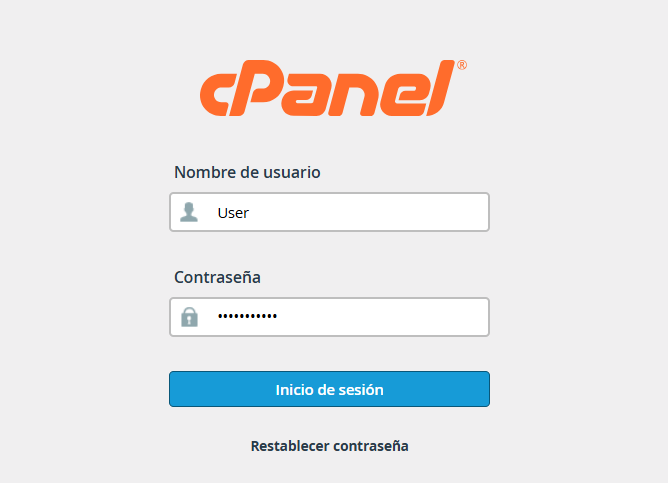
1. Access your account using the credentials provided to you.
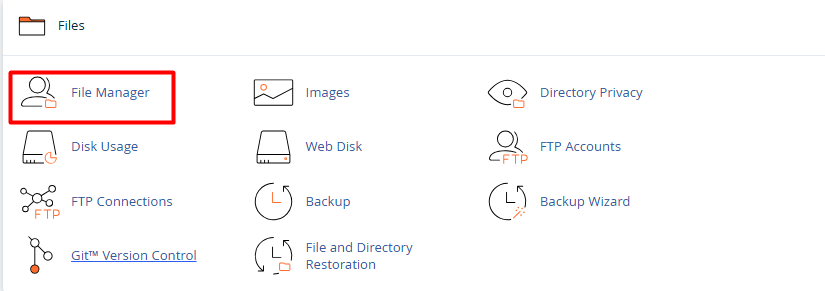
2. Once inside your control panel, locate and select the File Manager section.
3. Navigate through the folders to the specific directory where you wish to store the data, then click the Upload button, usually found in the top toolbar.

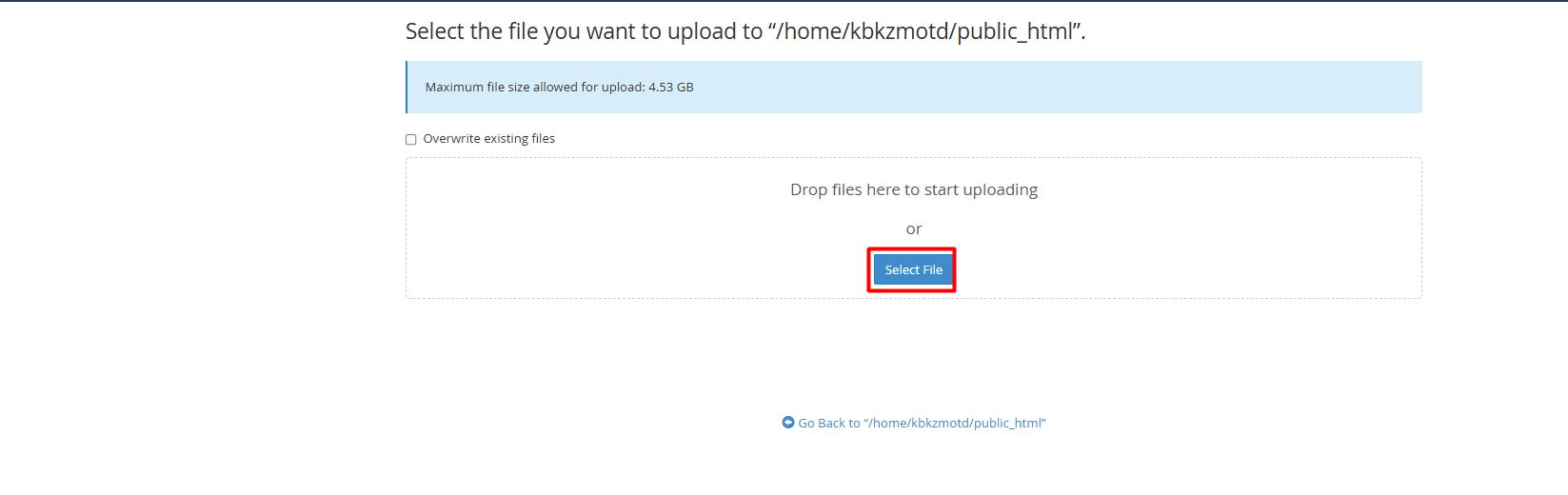
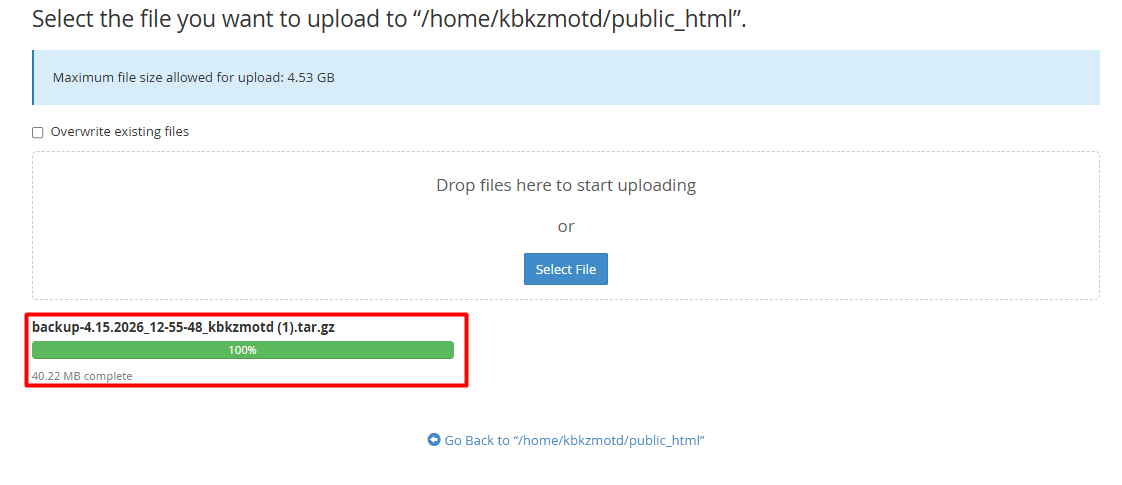
4. A new window will open. You can drag and drop items directly into it or click Select Files to browse your computer.
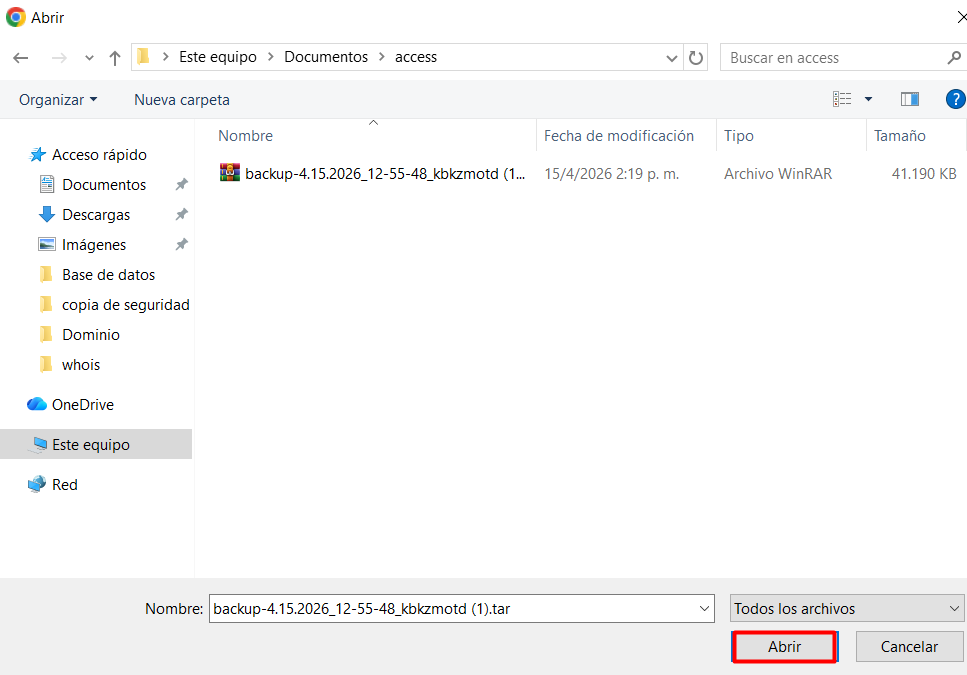
5. Once the progress bar reaches 100%, your files will be successfully uploaded and available on the server.
Note: Ensure your filenames do not contain spaces or special characters to guarantee full compatibility.
