


A diferencia del respaldo completo, la copia parcial le permite restaurar archivos o bases de datos específicas directamente desde la misma interfaz de cPanel, optimizando tiempo y recursos de almacenamiento.
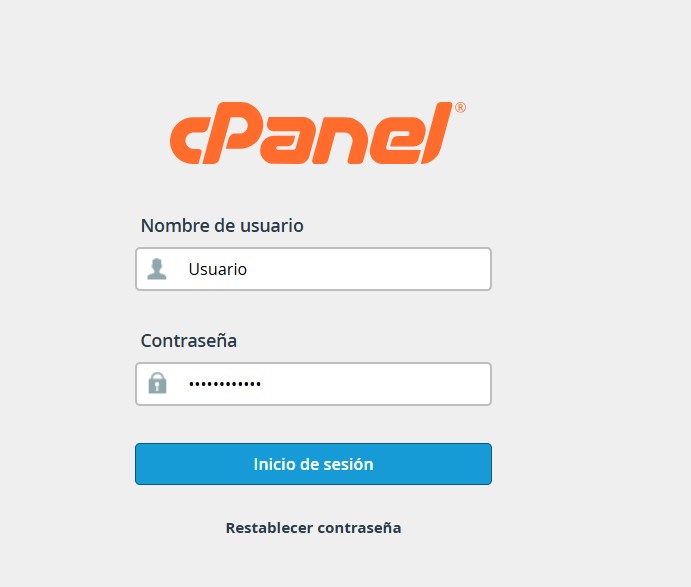
1. Inicie sesión en su cuenta de cPanel.
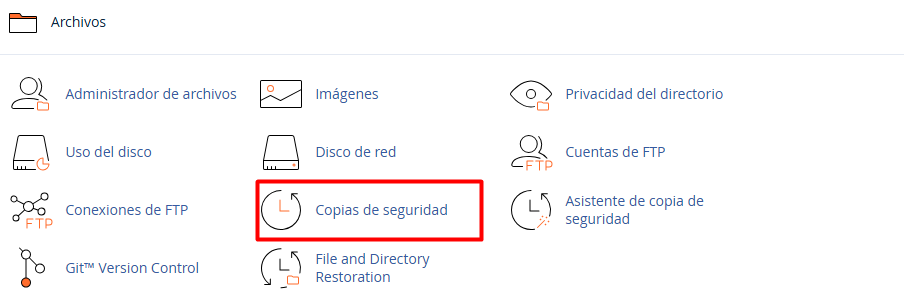
2. Localice el apartado Archivos y haga clic en la herramienta Copia de seguridad (Backup).
3. Diríjase a la sección titulada Descargar una copia de seguridad parcial. Aquí podrá elegir el componente específico que desea salvaguardar:
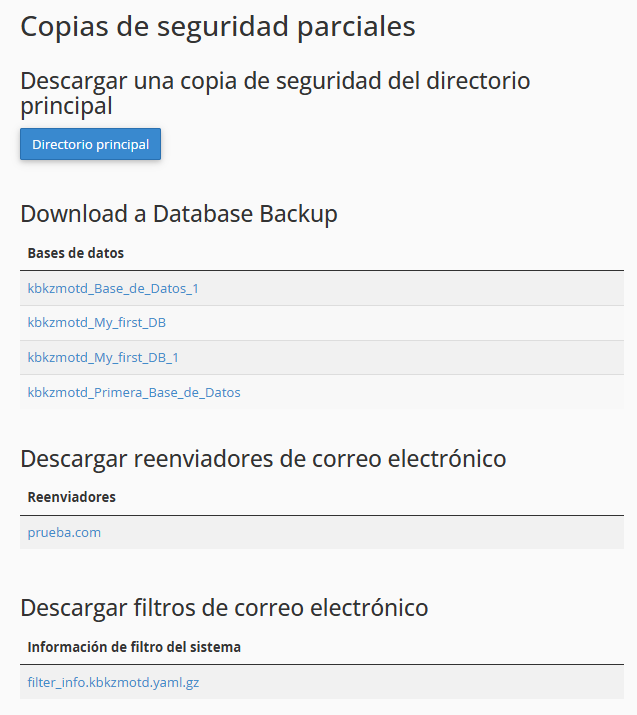
3.1. Directorio principal: Comprime y descarga todos los archivos de su sitio web.
3.2. Bases de datos MySQL: Permite bajar de forma individual cada base de datos activa.
3.3. Reenviadores o Filtros de correo: Ideal para respaldar configuraciones específicas de mensajería.
Haga clic sobre el nombre del elemento (la base de datos o el directorio) y la descarga comenzará automáticamente en su navegador.
