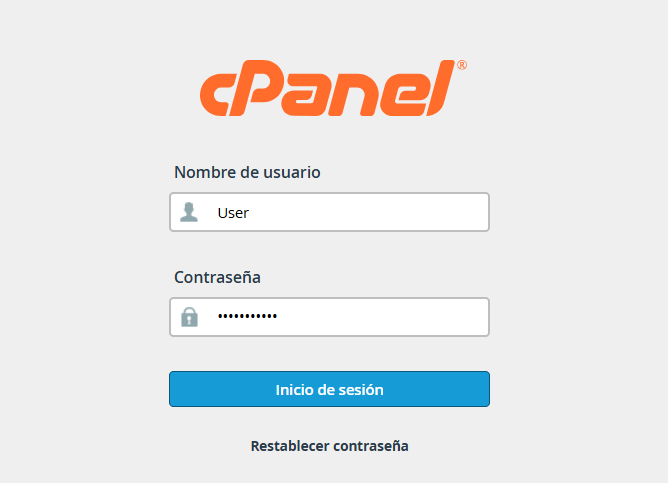
1.Log in to cPanel using your credentials.
2.Go to the upper-right corner of the interface and click on your username or the profile icon.

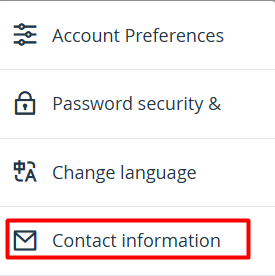
3.From the dropdown menu, select the option labeled "Contact Information."
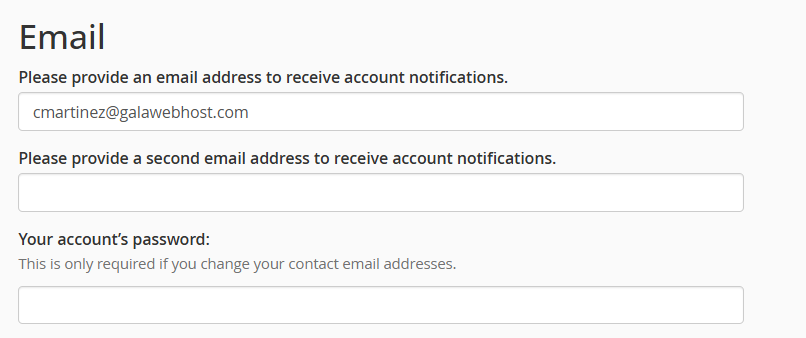
4.Update your email addresses:
4.1.Primary Email: Enter the address where you wish to centralize all communications.
4.2.Secondary Email: (Recommended) You may add an alternative account to ensure you receive alerts if you lose access to your primary one.
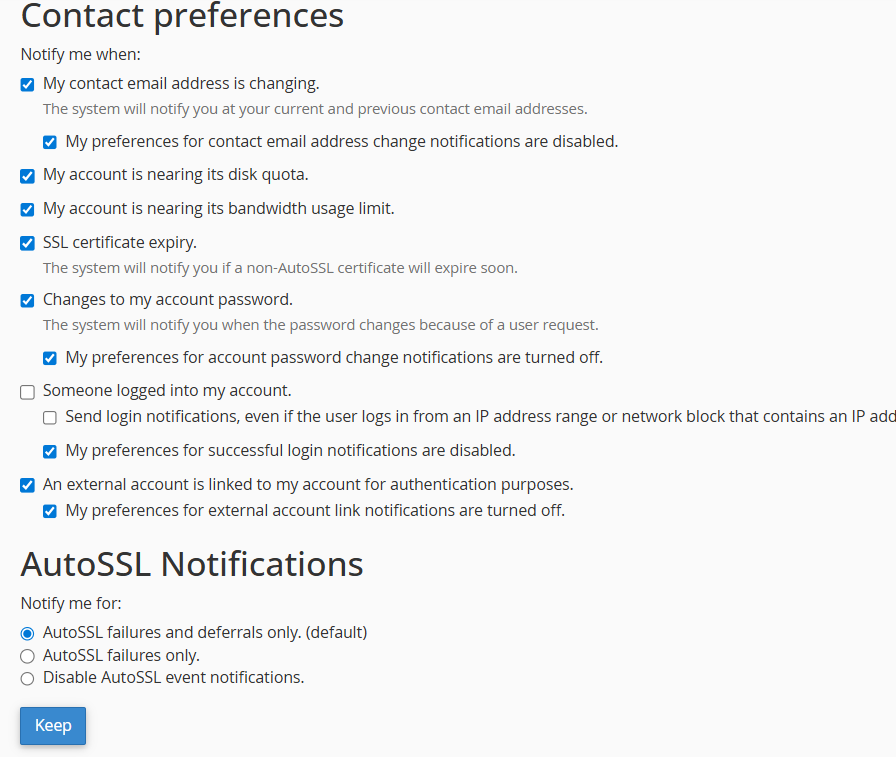
5.In the list below, you can check or uncheck the boxes according to the types of alerts you wish to receive (e.g., quota exceeded warnings, password changes, or backup failures).
Once configured to your preference, scroll to the bottom of the page and click the "Save" button to apply the updates.